Collect

Sneaker authentication

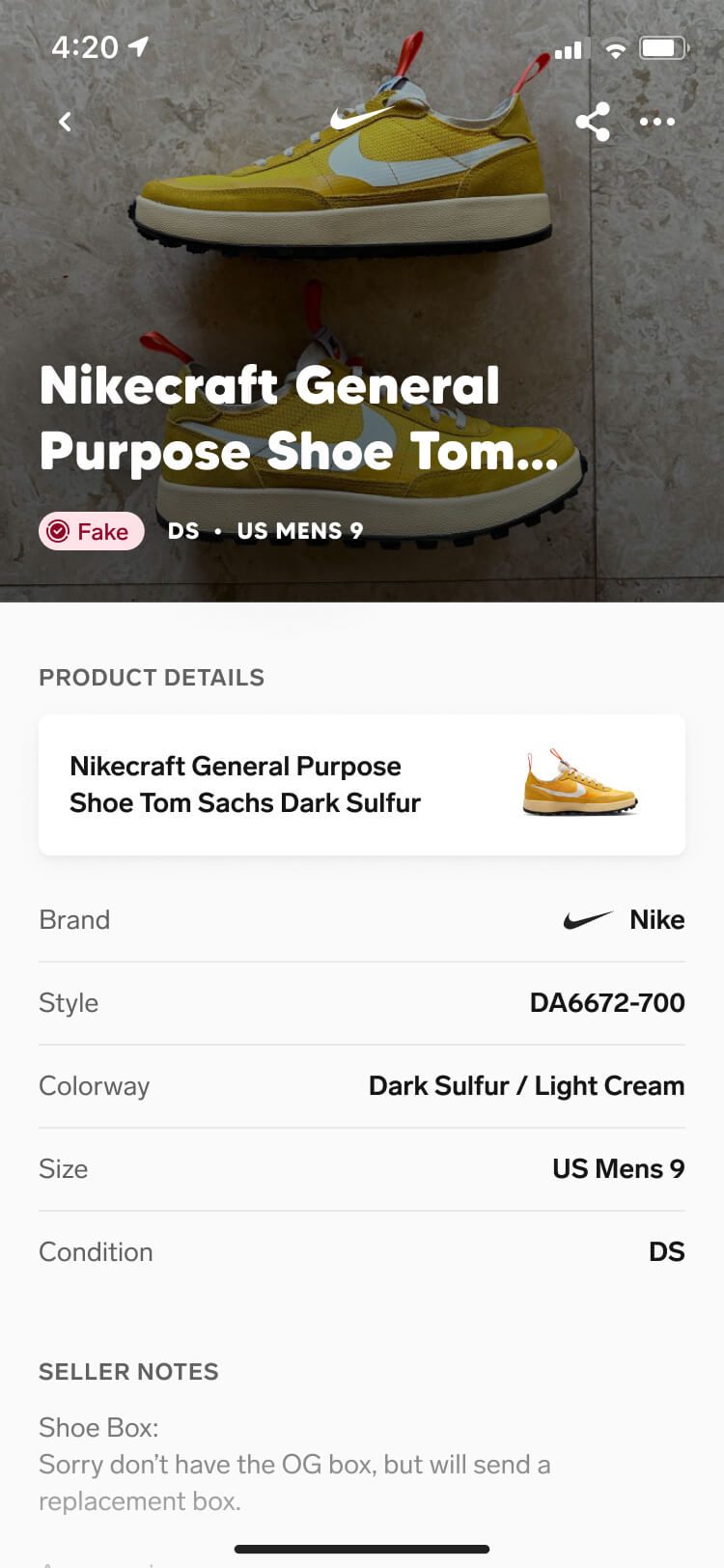
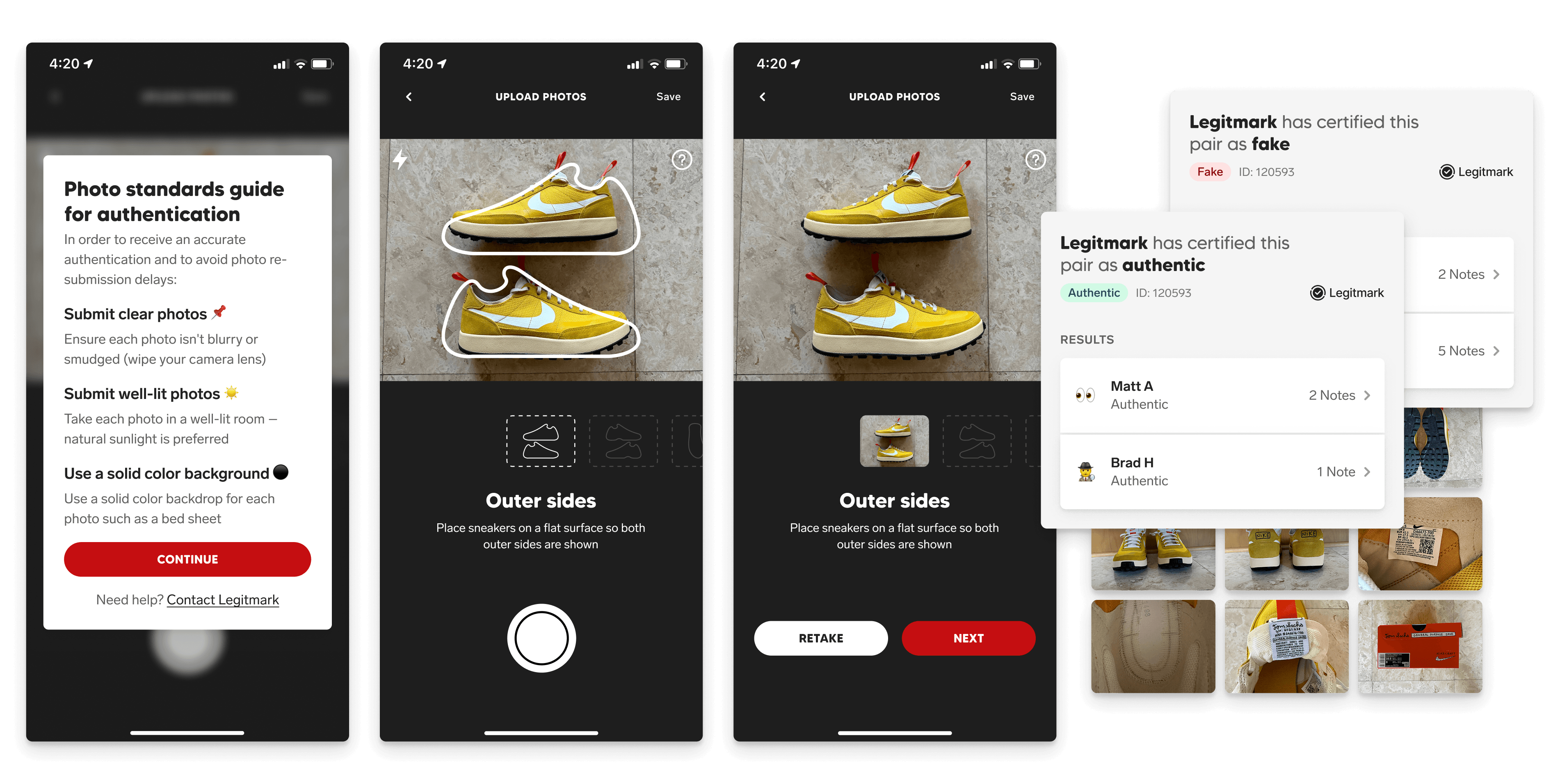
A collage of three full-screen app screenshots as well as small highlight screenshots from various aspects of the user interface. The three full screenshots show different steps of the authentication photo-taking process, while the highlights show a fake and an authentic outcome to the flow.

Overview

Trust is one of the biggest barriers in sneaker trading — peer-to-peer platforms are always one transaction away from someone receiving a fake, intentionally or not. We initially launched Collect without authentication, but the risk was relatively low considering that the platform was limited to existing SoleSavy members who already traded with one another through less secure channels.

But as we prepared to open Collect to the public, authentication became a necessary first step. So we partnered with Legitmark, a digital sneaker authentication service, to bring authentication directly into our order flows. Working closely with their team, we co-designed the experience while they built the API that would power it.

EmployerSoleSavy

RoleSenior Product Designer — Research, Ideation, Prototyping, User Testing, UI Design, Interaction Design

TimelineQ1 2023 — Q2 2023

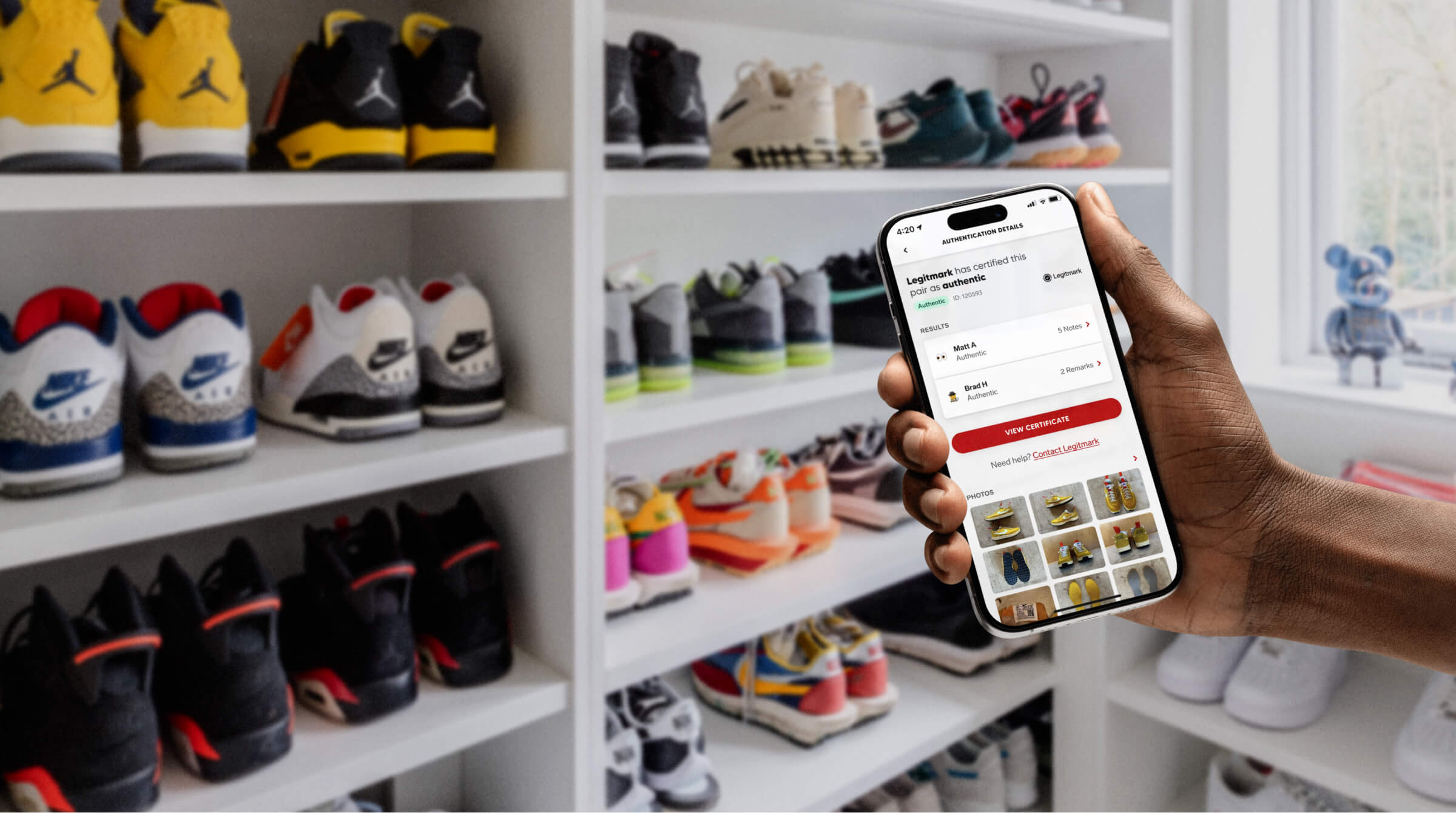
Image of a sneakerhead using the Collect authentication feature infront of their sneaker collection

Context

Outside of members already trading with people they trusted, there was no real assurance that sneakers purchased through Collect were authentic. Adding authentication could give more members the confidence to transact while also supporting our larger goal of opening Collect to the public as a new acquisition channel.

Partnering with Legitmark gave us a practical way to introduce that trust, but it also came with the design challenge of making a third-party integration feel like a seamless part of Collect. Working closely with their team, we had to find the right balance between the experience and what the API could realistically support.
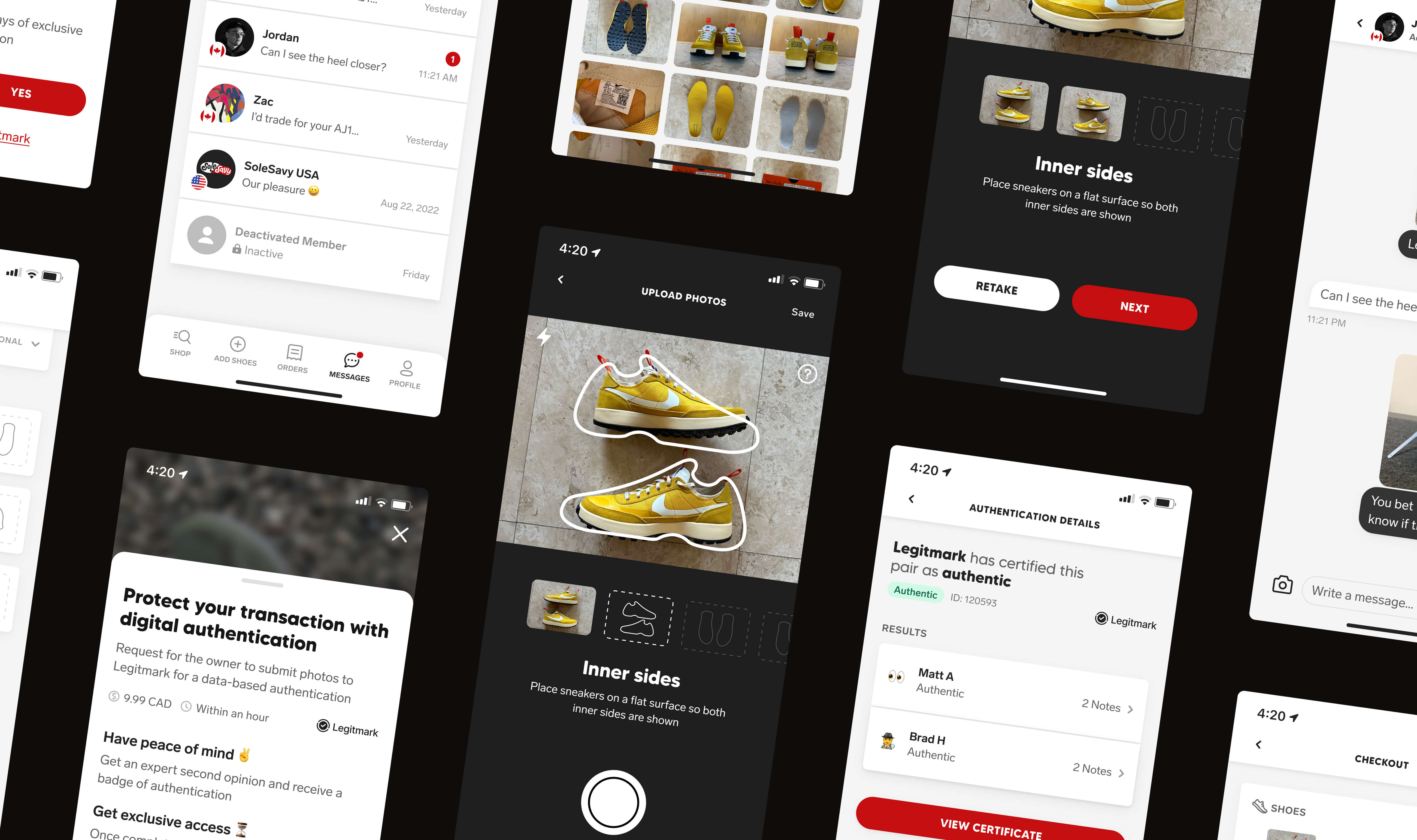
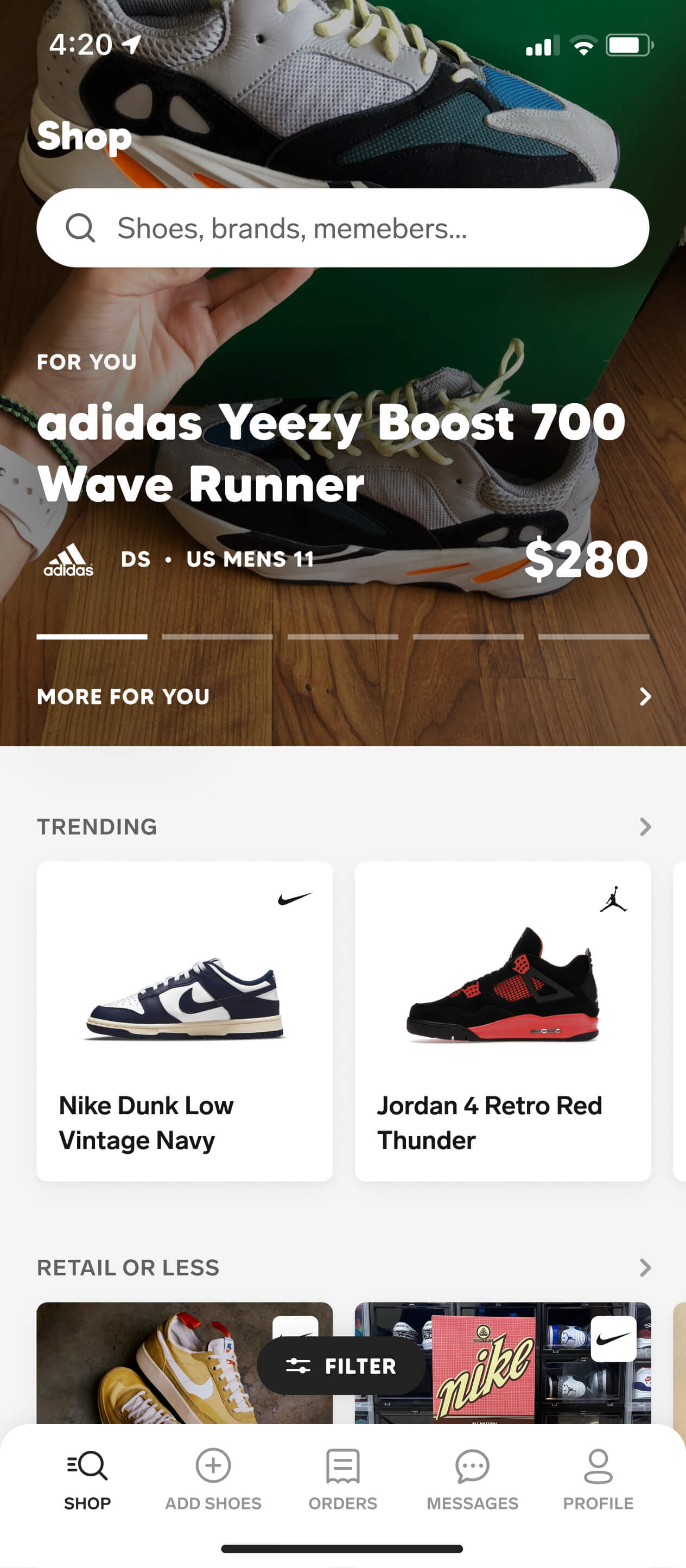
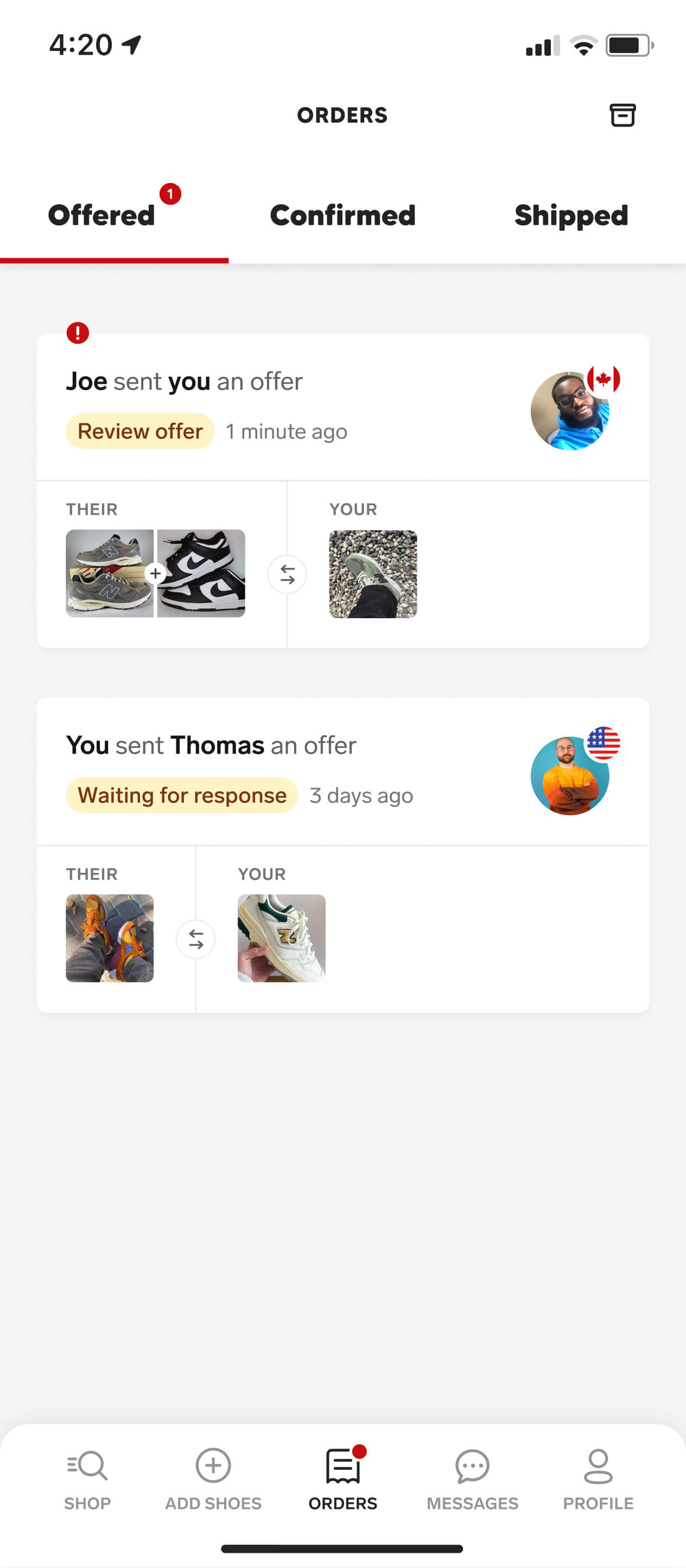
Screenshot grid of various screens from the Collect authentication feature

Research

The authentication process

We started by spending significant time with the Legitmark team understanding how their authentication process worked end to end. We walked through every step, edge case, and possible outcome — documenting every status and trigger that would require our app to communicate with the API.

Competitive analysis

Looking at how other peer-to-peer marketplaces implemented authentication showed us the patterns users were already familiar with and where we could tailor them to better fit Collect. Our findings directly informed when authentication was surfaced, how each step was structured, and what conditional logic shaped the experience.

Community expectations

Authentication was largely driven by customer feedback — they didn't trust themselves to reliably spot a counterfeit and wanted an easy way to authenticate a pair directly through Collect. But their existing experience with authentication also raised the bar — we needed it to feel as credible and trustworthy as the services they already use.

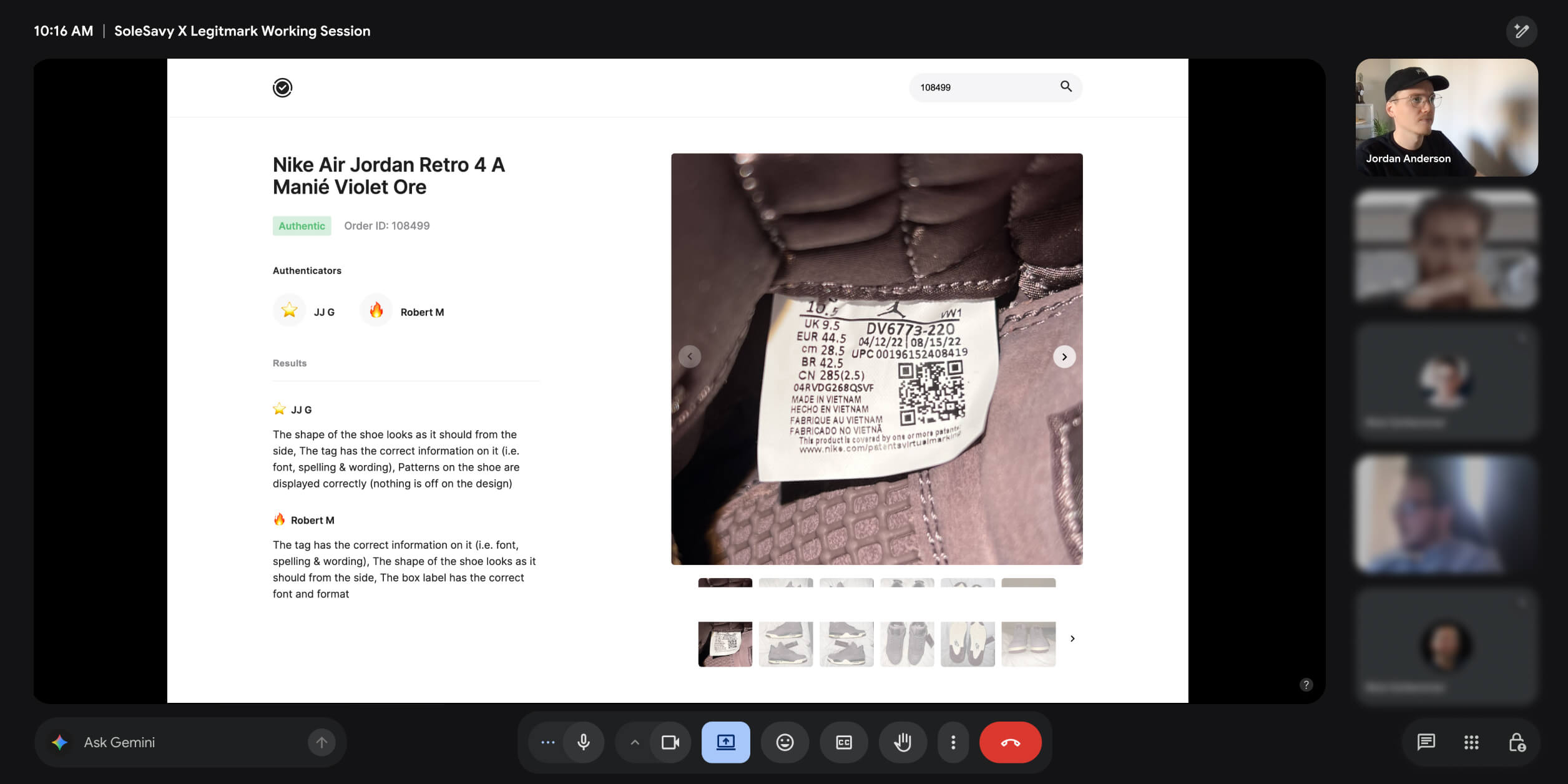
A screenshot of the Legitmark team and Jordan talking on a Google Meet call reviewing Legitmark's authentication process

Ideation

User flows

Our goal was to take a third-party integration with its own steps, timelines, and operational requirements, and find a way to make it feel like a native feature of Collect. So we started by mapping the full authentication journey — from every user action to API call, we laid out exactly how users would interact with the feature step by step.

Cross-team collaboration

Once we knew exactly how we wanted the experience to work in Collect, we sat down with Legitmark again to align on the scope of what API changes we could make and which constraints we had to design around. This left both teams with a shared source of truth and a plan for what we were going to be building in the coming months.

User flow map of the authentication feature

Design

Photo submission flow

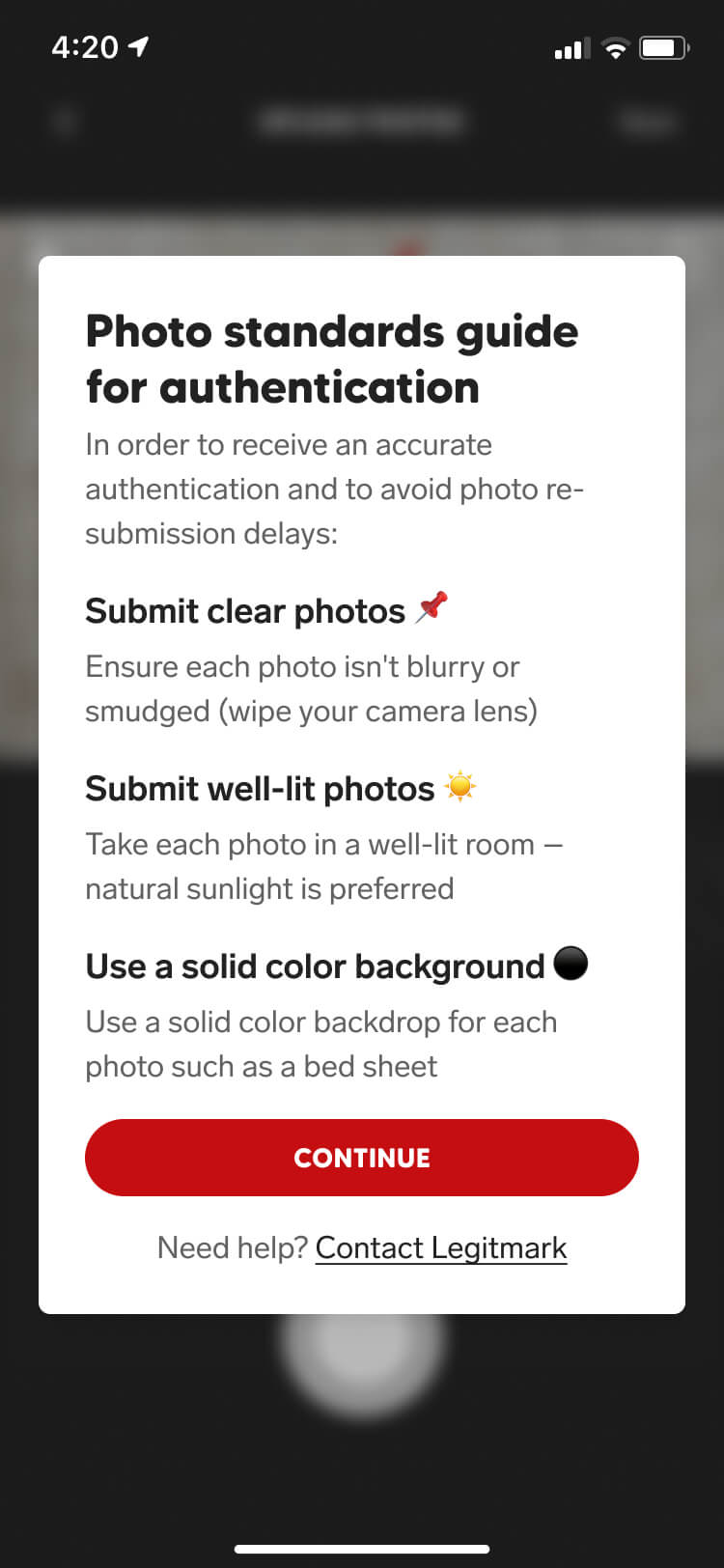
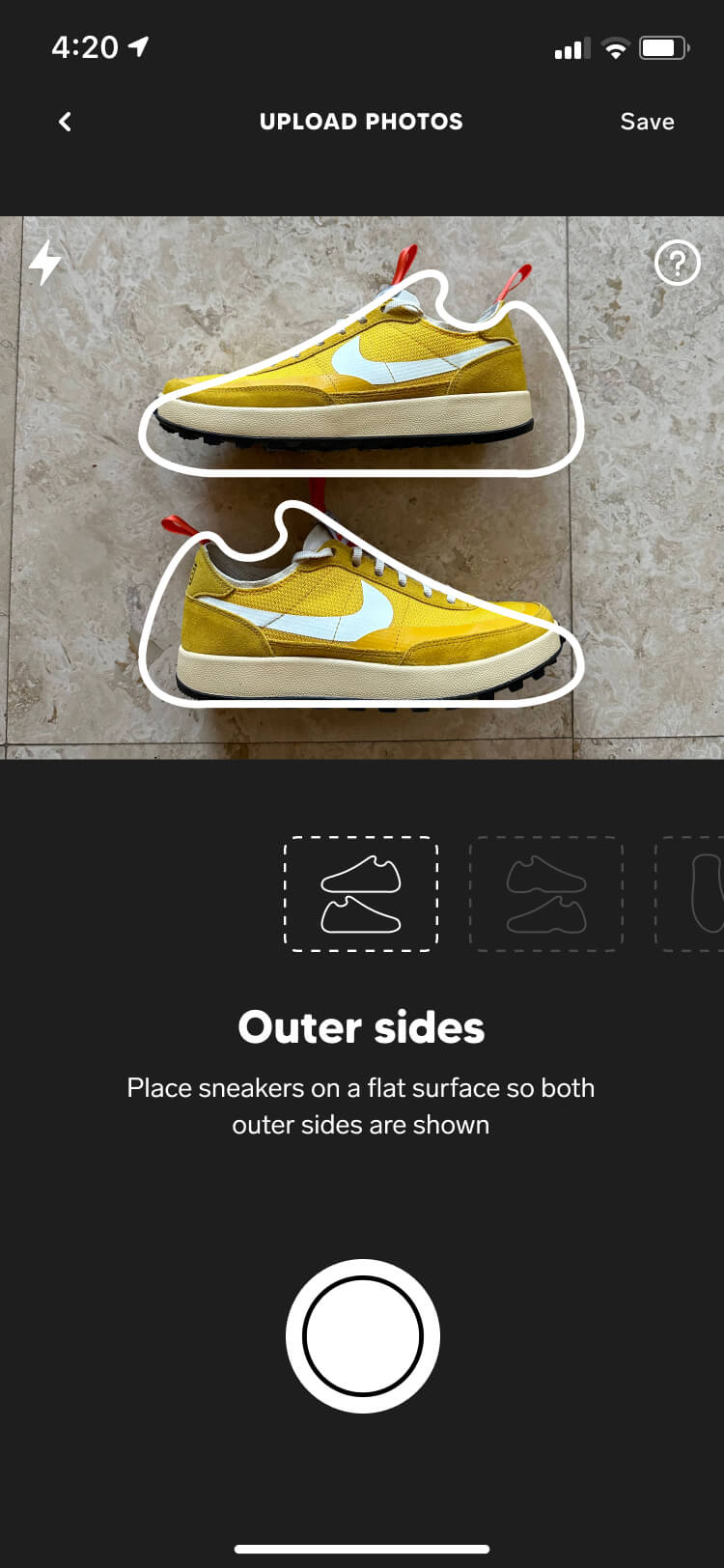
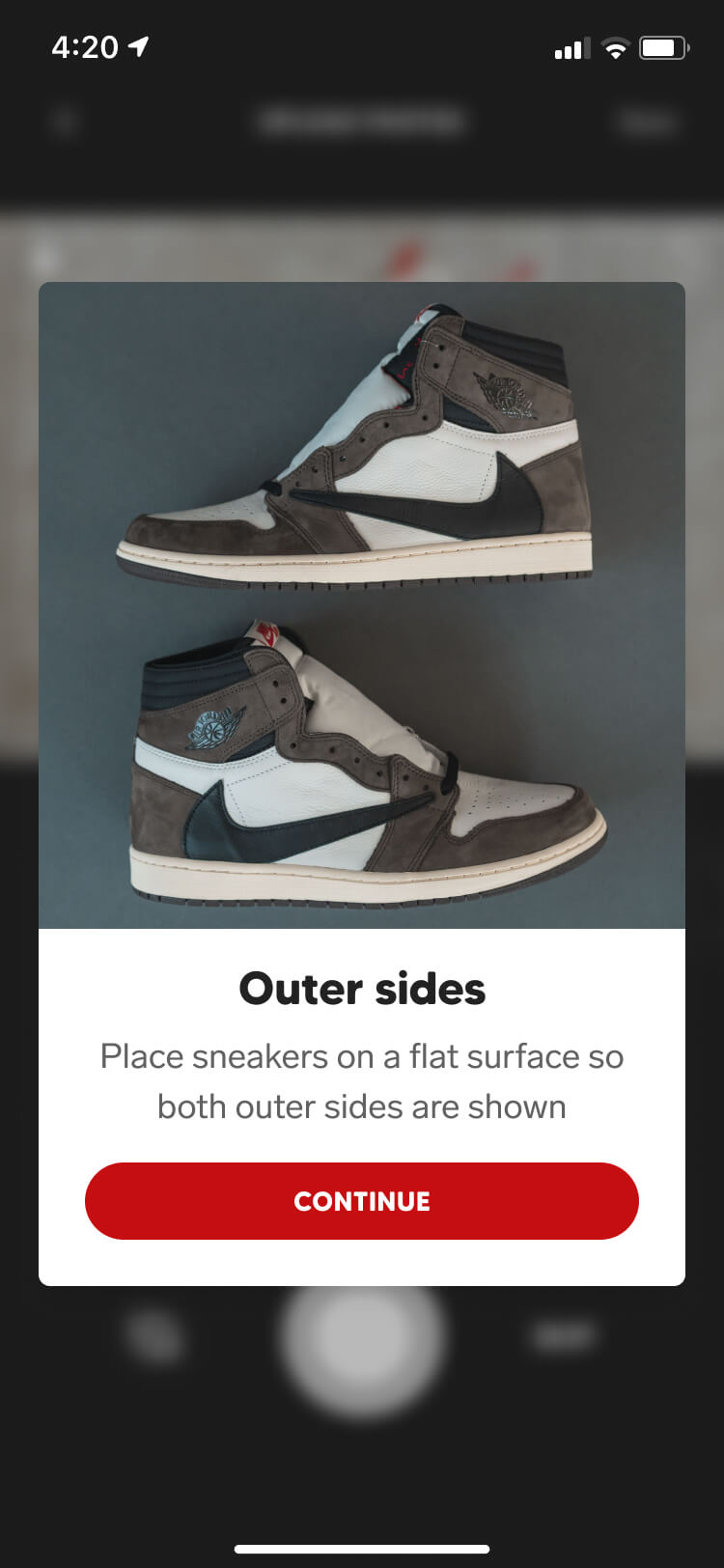
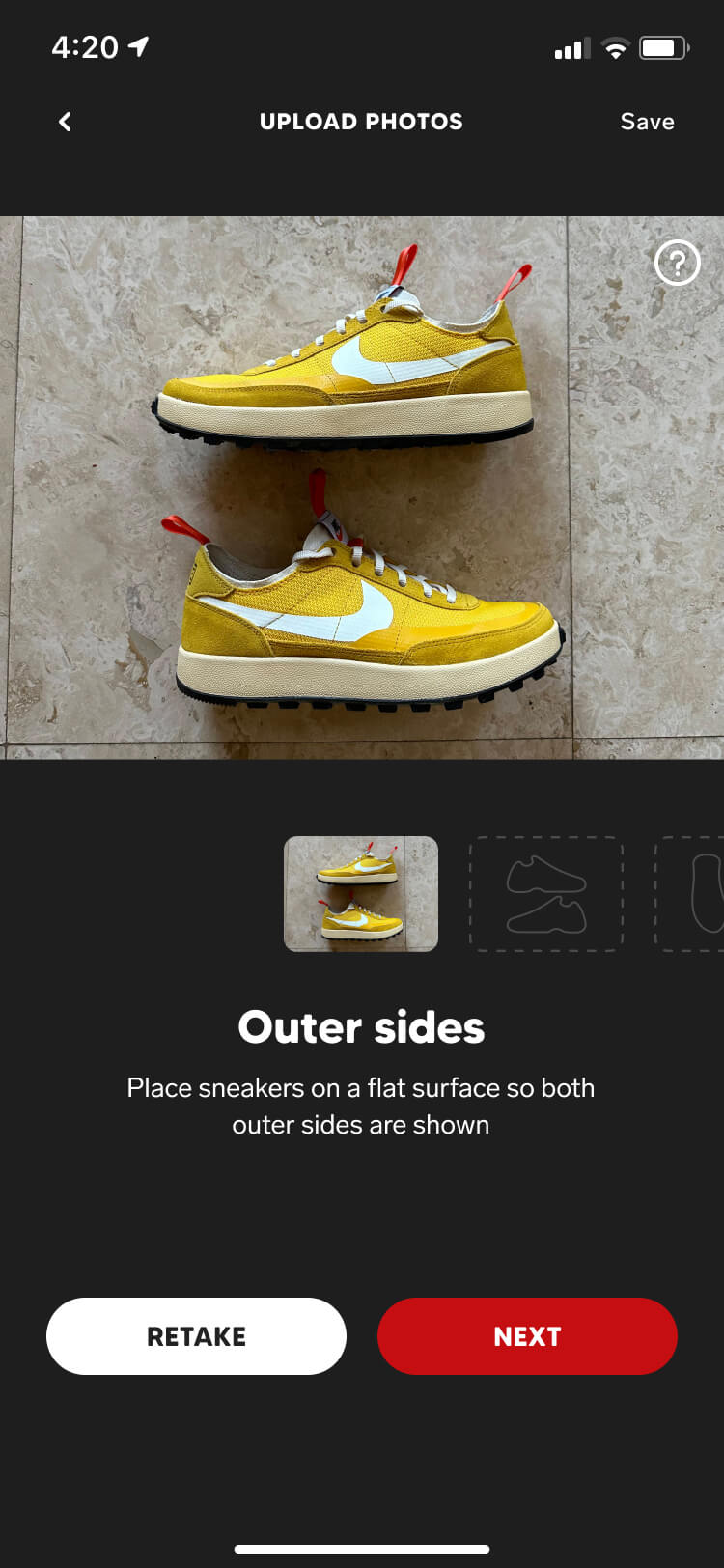
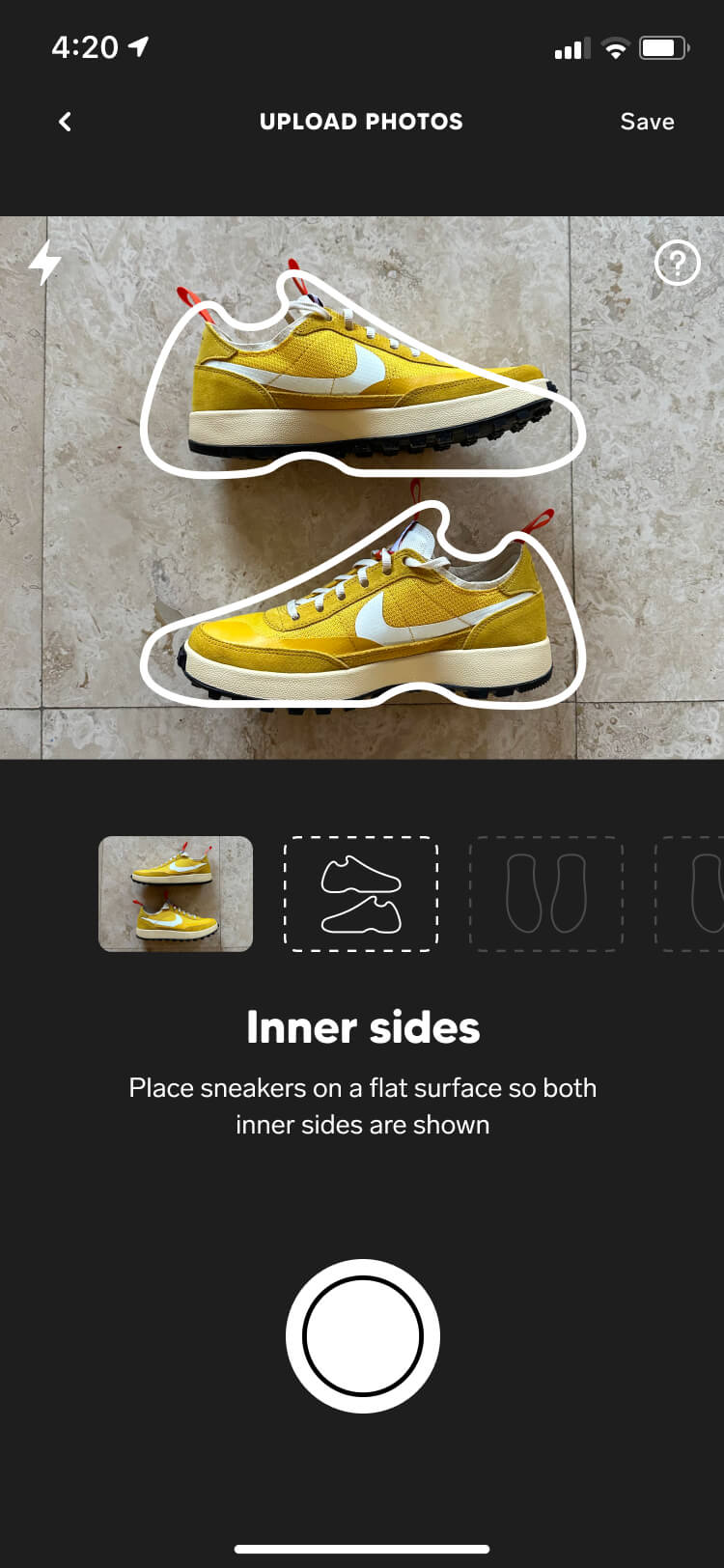
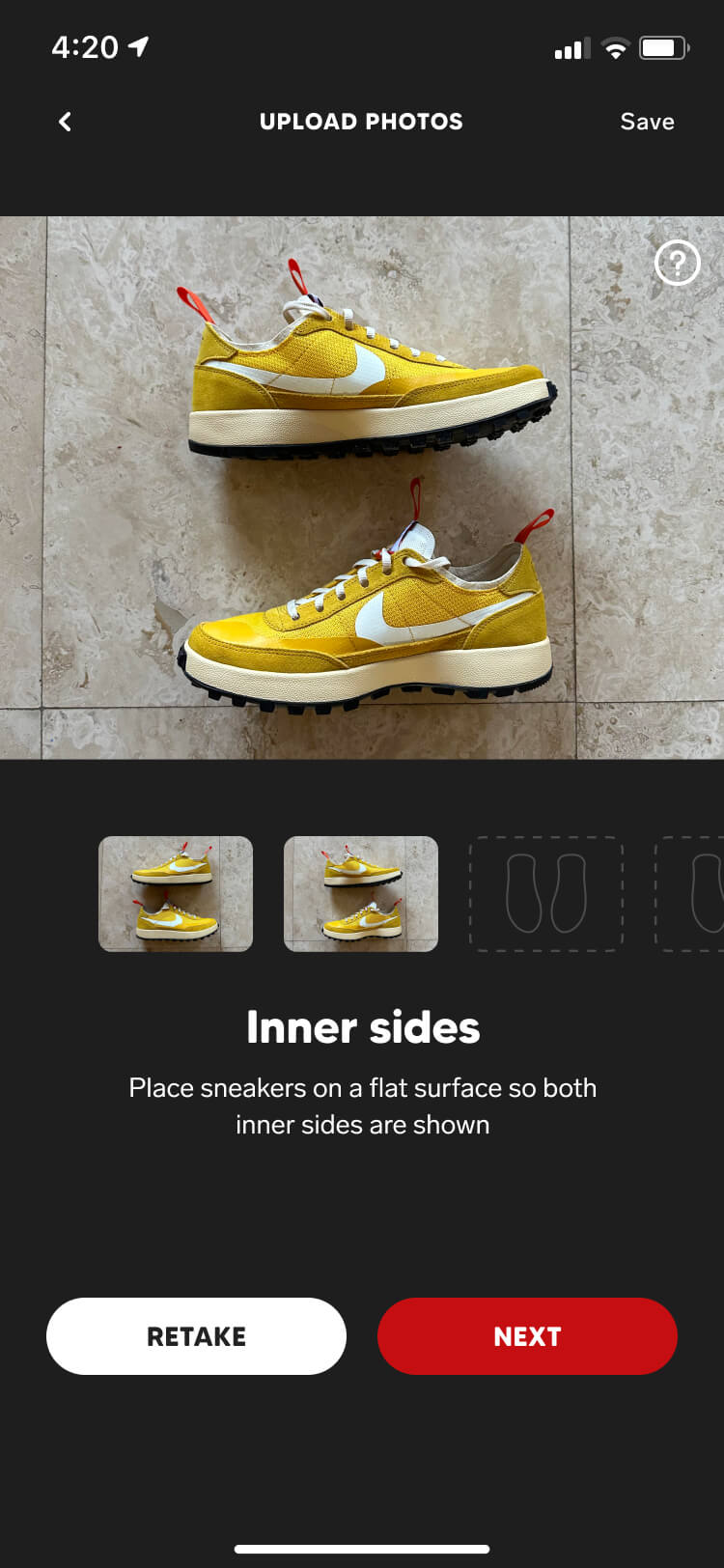
Upon finishing the user flows, we moved straight into high-fidelity design. Our research and ideation gave us a clear direction for how the experience needed to work — users are taken through a step-by-step photo submission flow with one objective per screen, supported by examples and guidelines that significantly reduce the chance of mistakes.

We built this flow seamlessly into the screen our customers already used to manage their sneaker collection and marketplace listing, making it much easier for them to request authentication on both new and existing pairs.

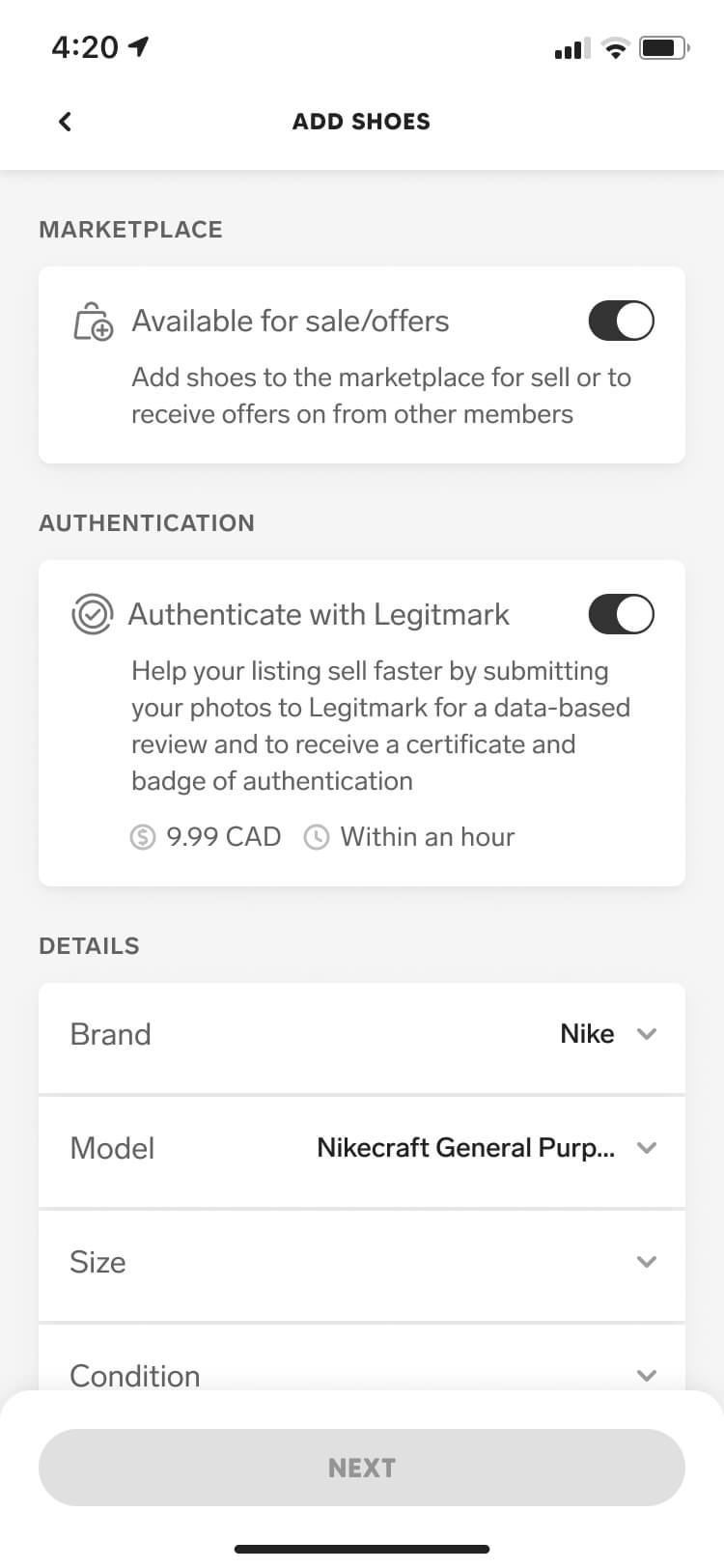
Screenshot from the Collect authentication feature of the add shoes screen with authentication enabled
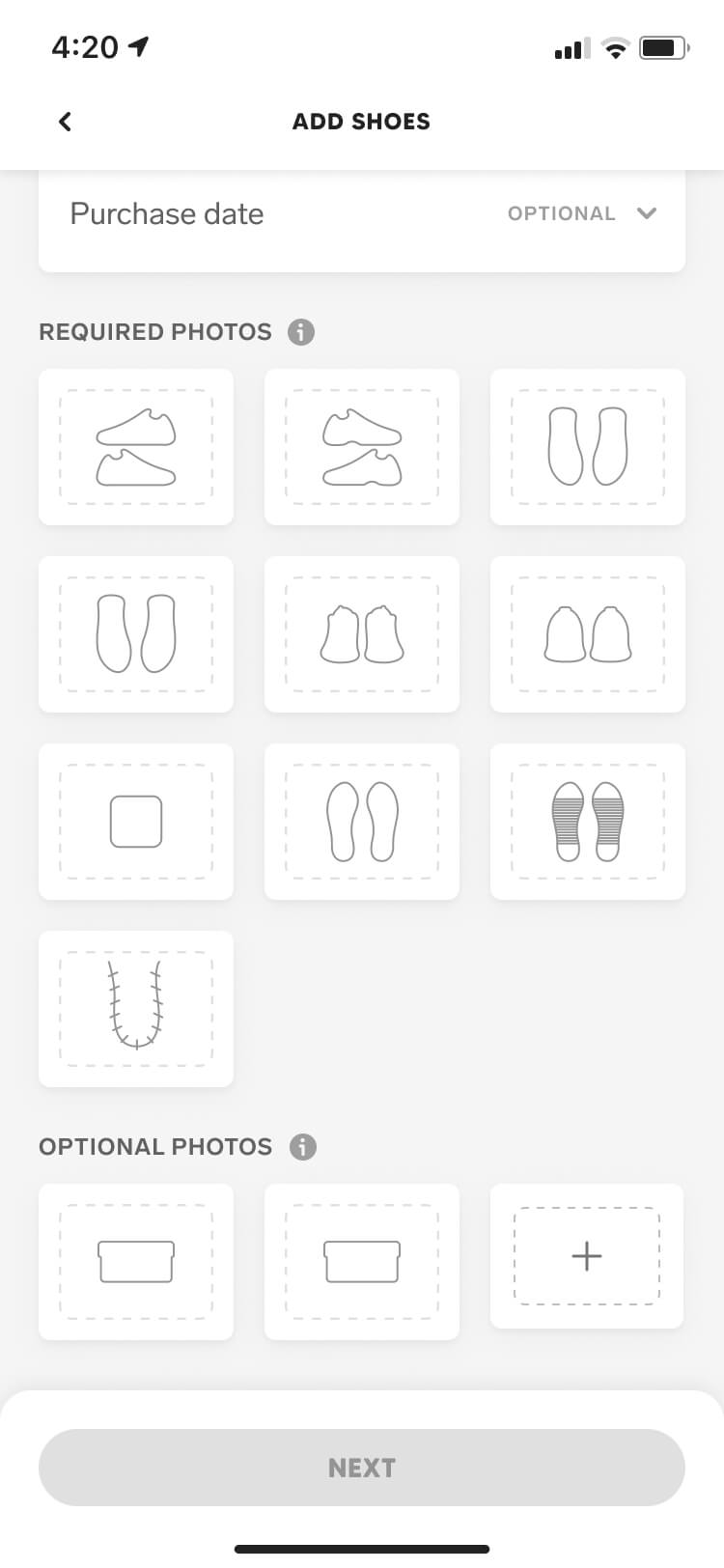
Screenshot from the Collect authentication feature of the add shoes screen with authentication enabled scrolled down
Screenshot from the Collect authentication feature of the photo guidelines modal
Screenshot from the Collect authentication feature of the sneaker outer sides capture screen
Screenshot from the Collect authentication feature of the sneaker outer sides help modal
Screenshot from the Collect authentication feature of the sneaker outer sides confirmation screen
Screenshot from the Collect authentication feature of the sneaker inner sides capture screen
Screenshot from the Collect authentication feature of the sneaker inner sides confirmation screen

Order flows

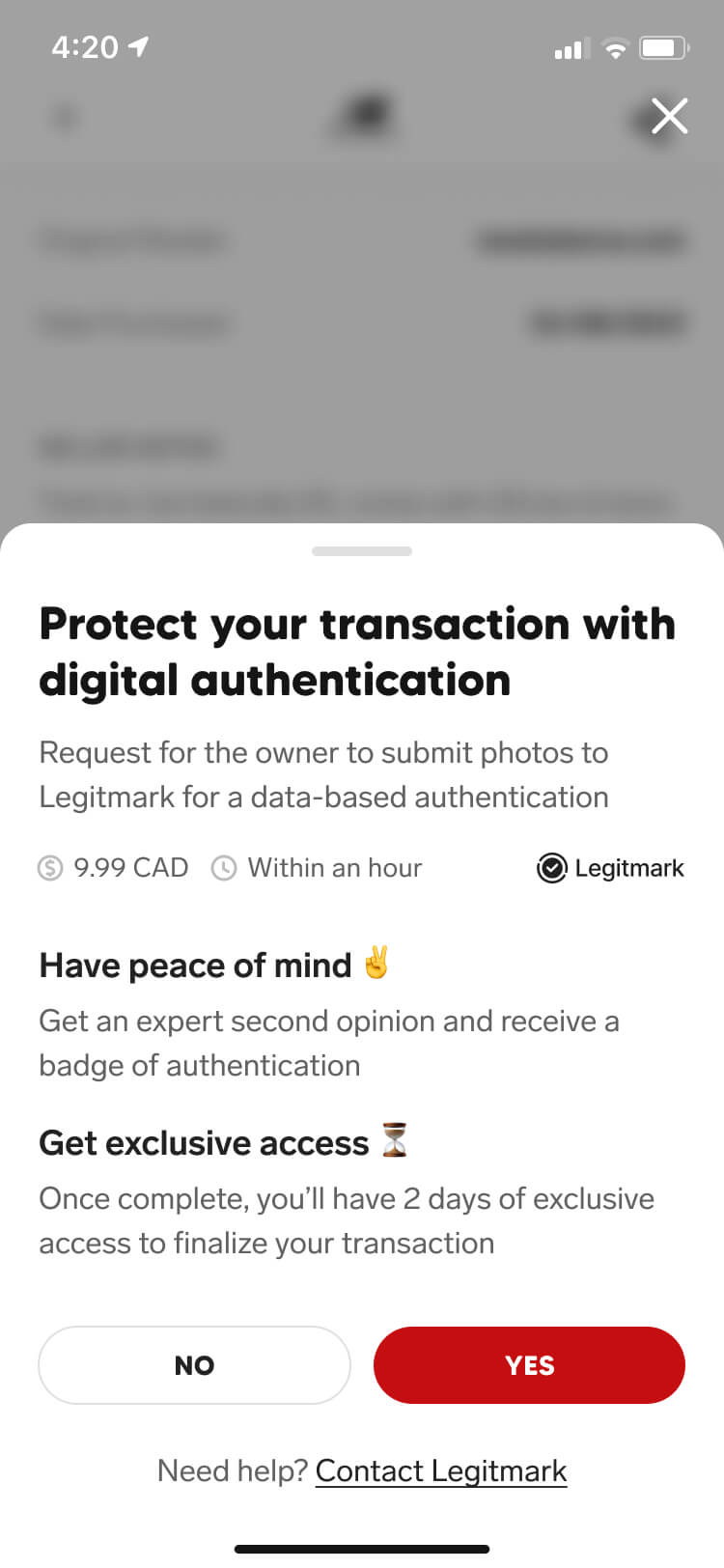
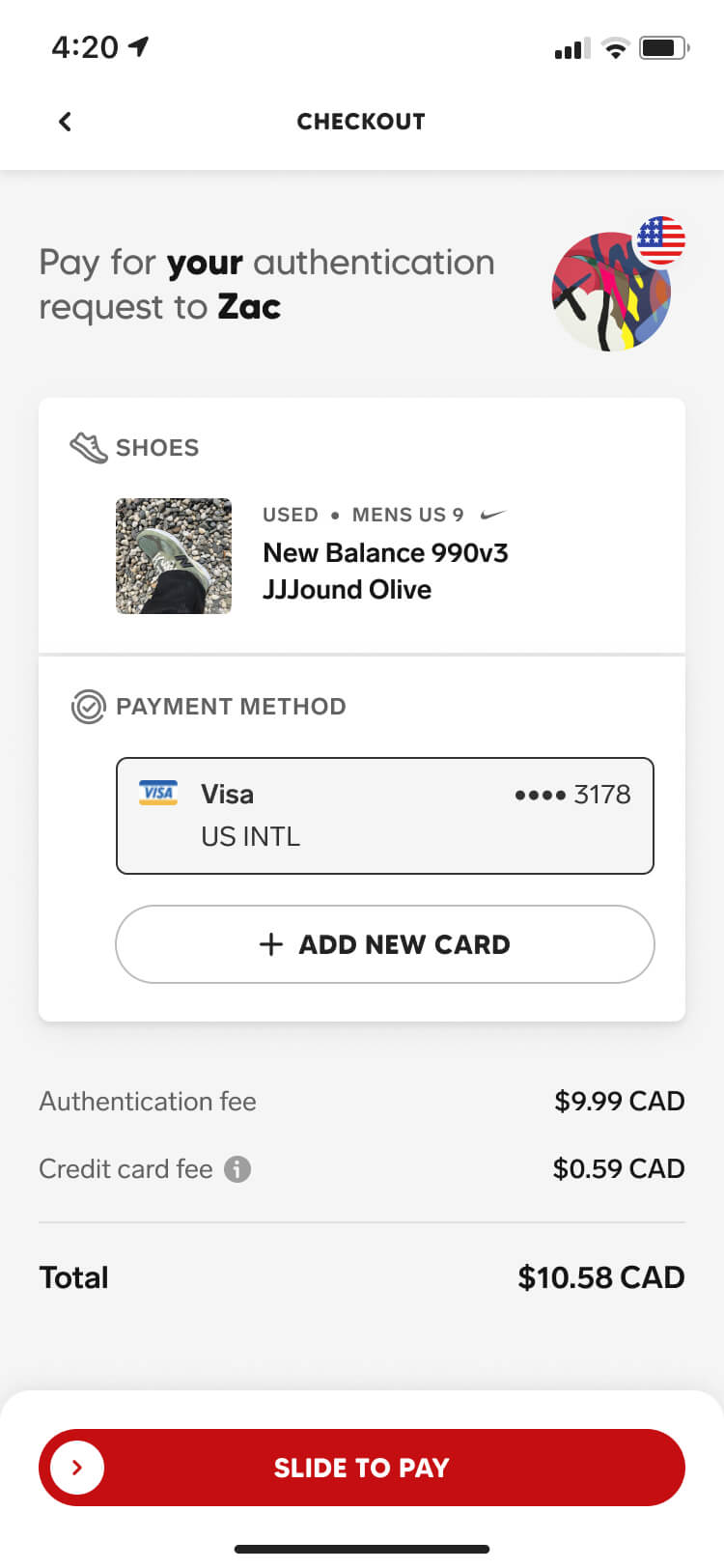
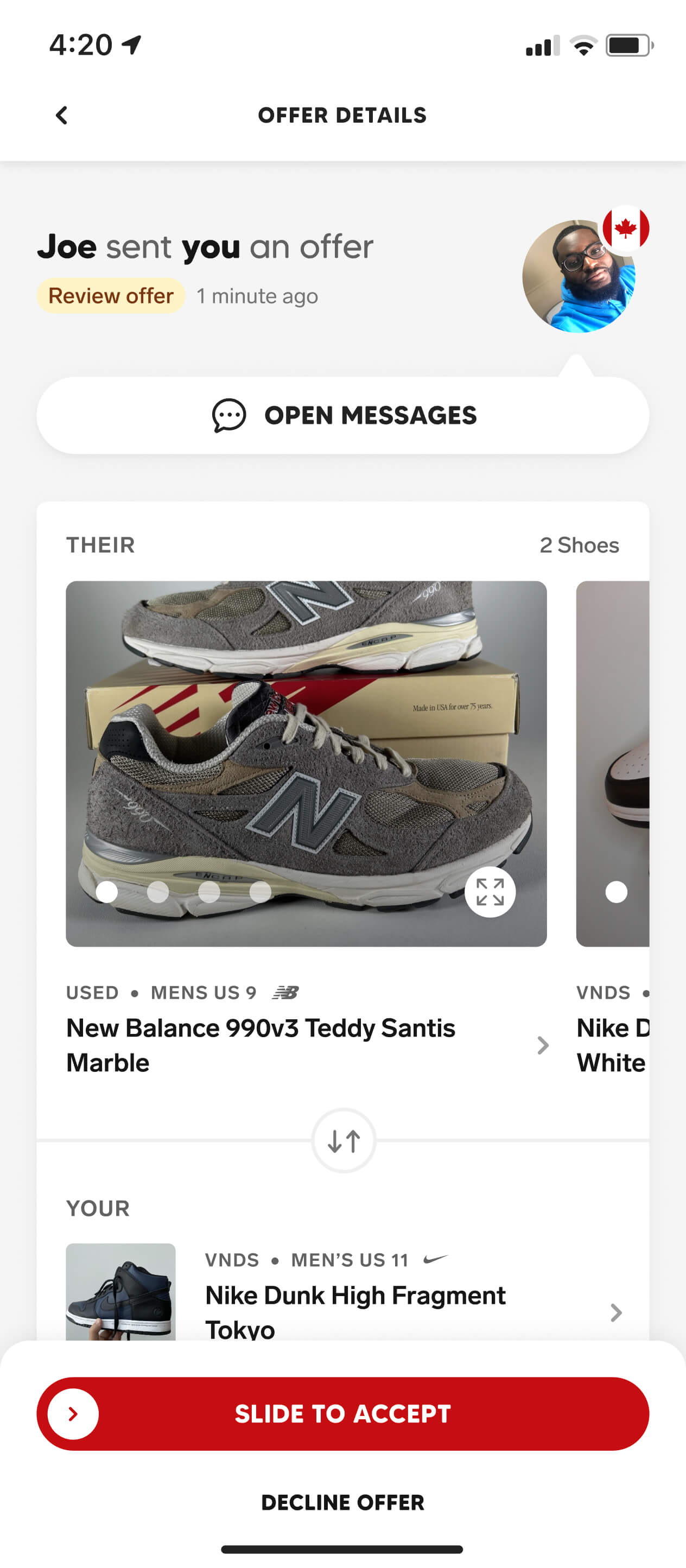
Beyond authenticating sneakers for peace of mind or making listings more attractive in the marketplace, the order flow was the key conversion moment for authentication. This was where buyers had to decide whether the added protection was worth paying for before moving forward with a transaction.

Through multiple rounds of A/B testing and iteration, we found the right balance of content length, language, and visual hierarchy. Our most effective messaging stayed concise — focusing on buyer assurance and an exclusive 48-hour window to purchase the sneakers once their authenticity was confirmed.

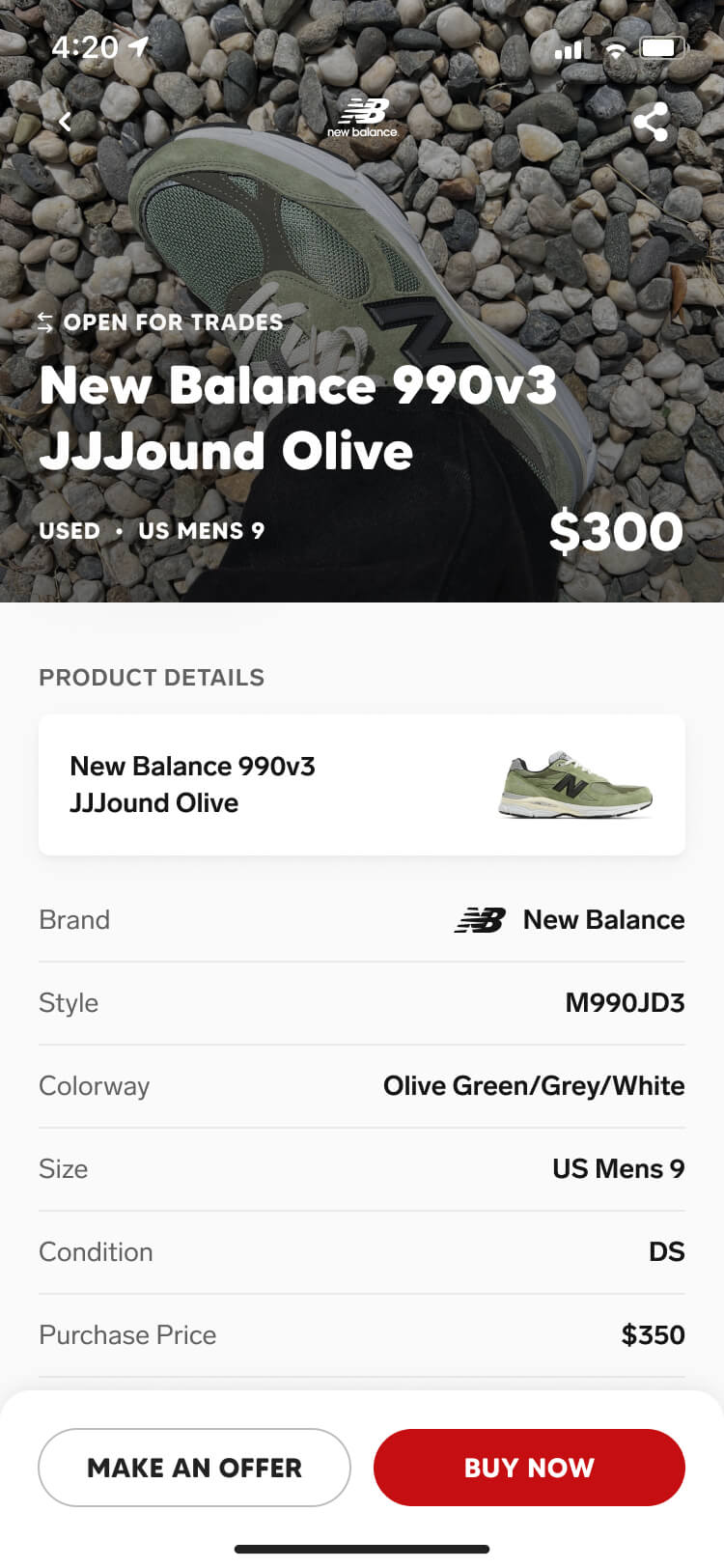
Screenshot from the Collect authentication feature of the sneaker listing screen
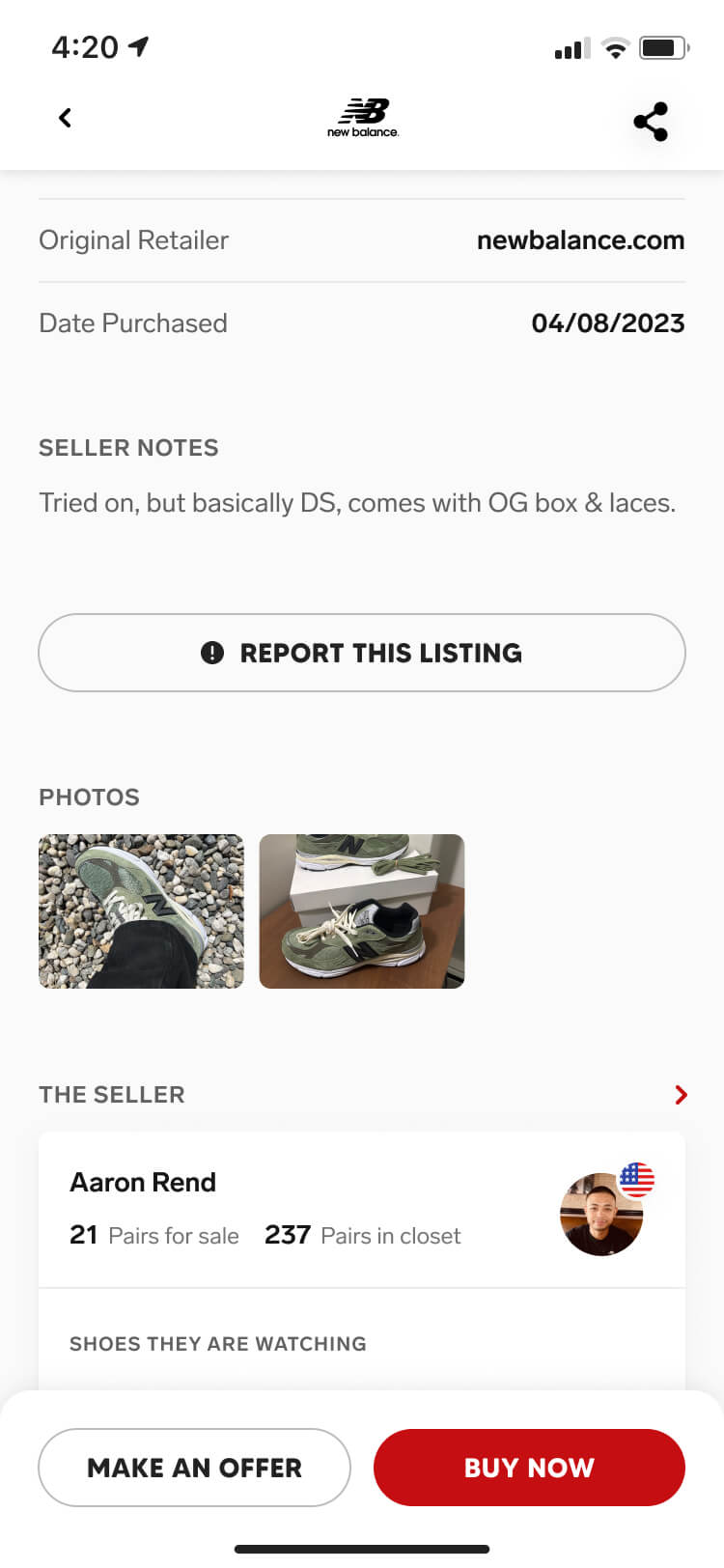
Screenshot from the Collect authentication feature of the sneaker listing screen scrolled down
Screenshot from the Collect authentication feature of the authentication upsell drawer
Screenshot from the Collect authentication feature of the authentication checkout screen

In-review state

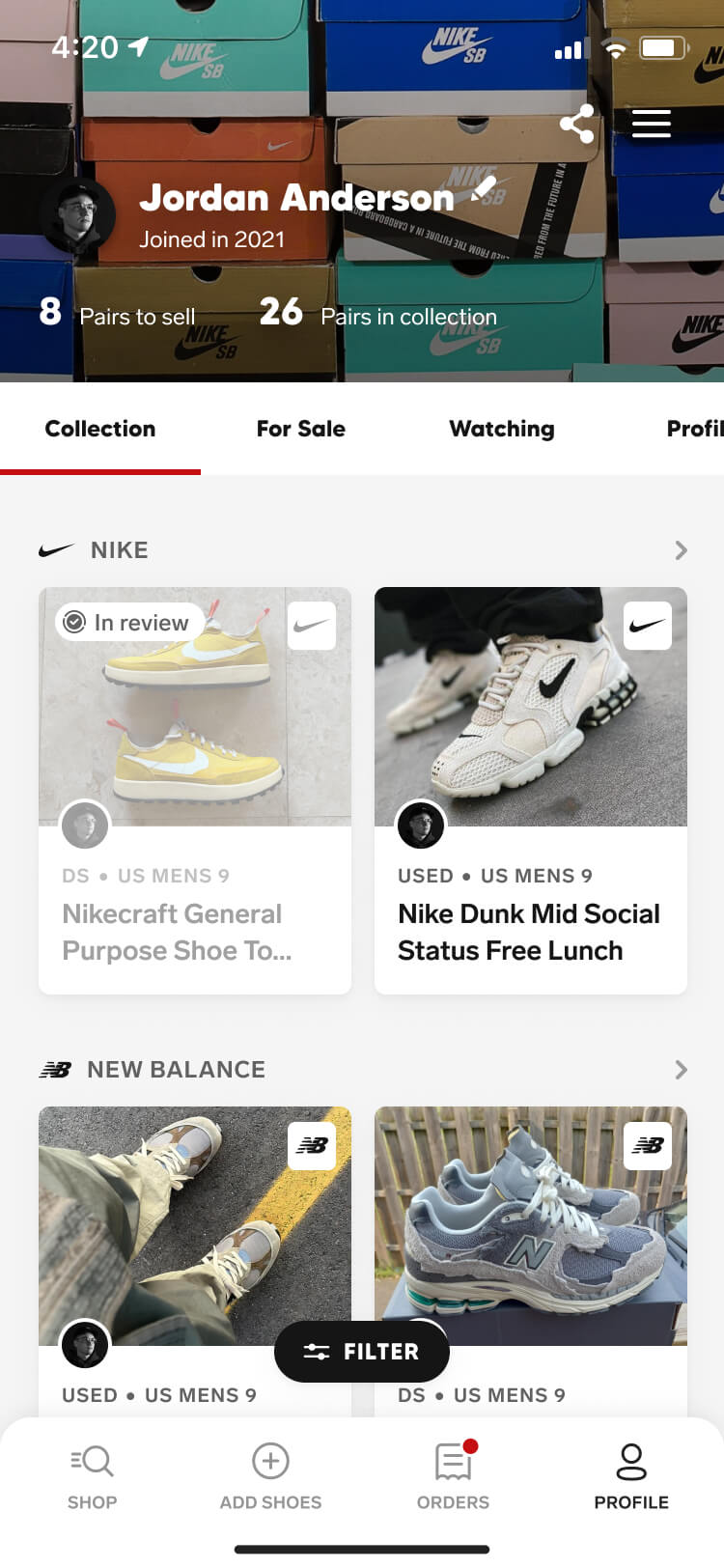
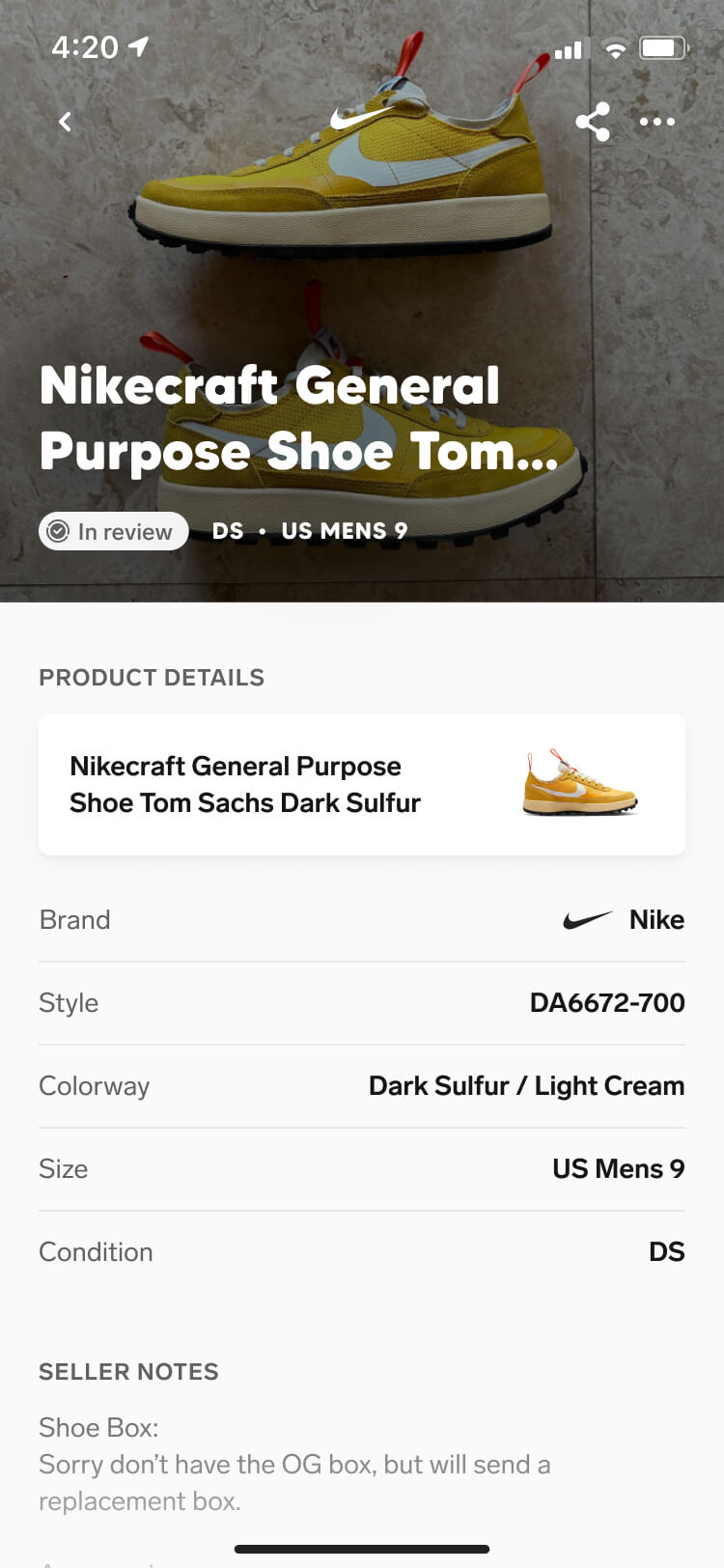
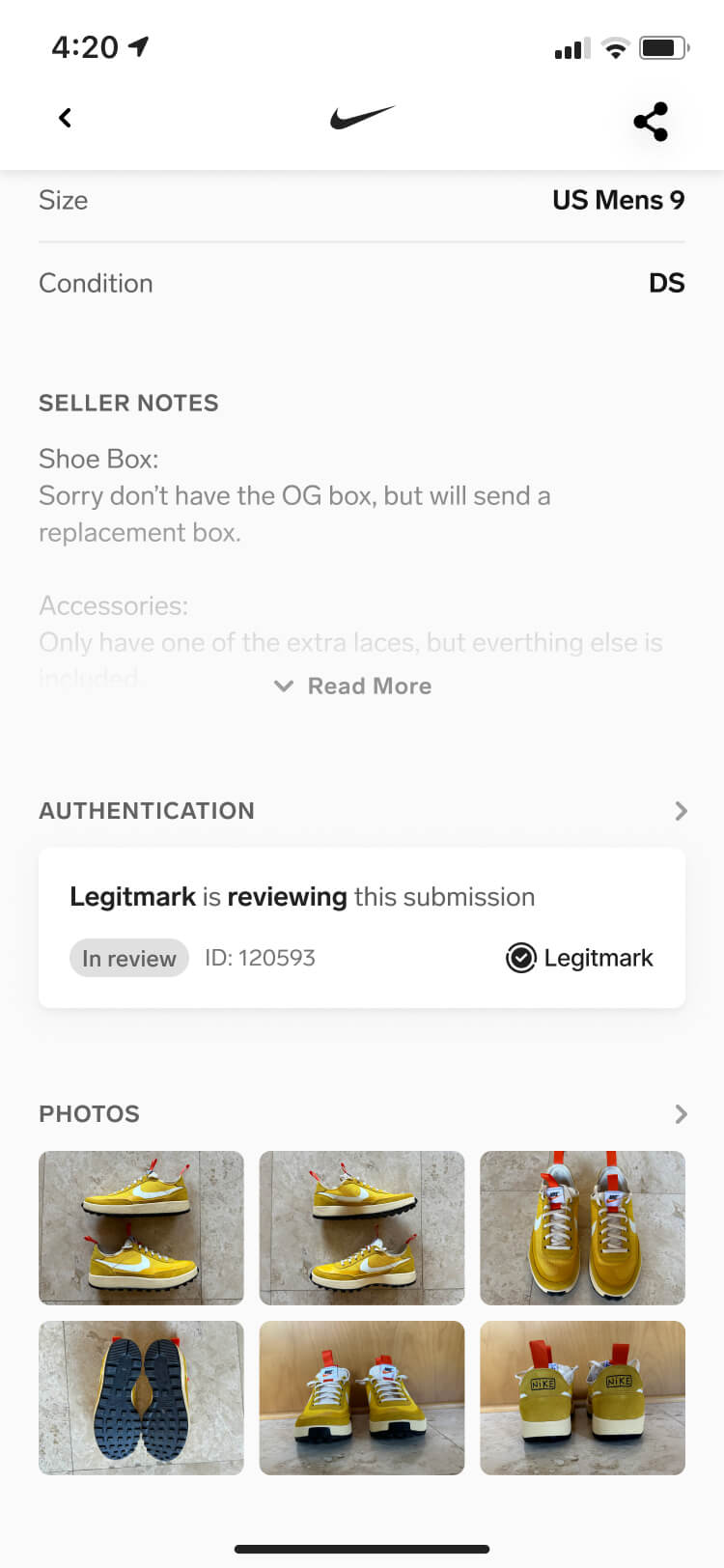
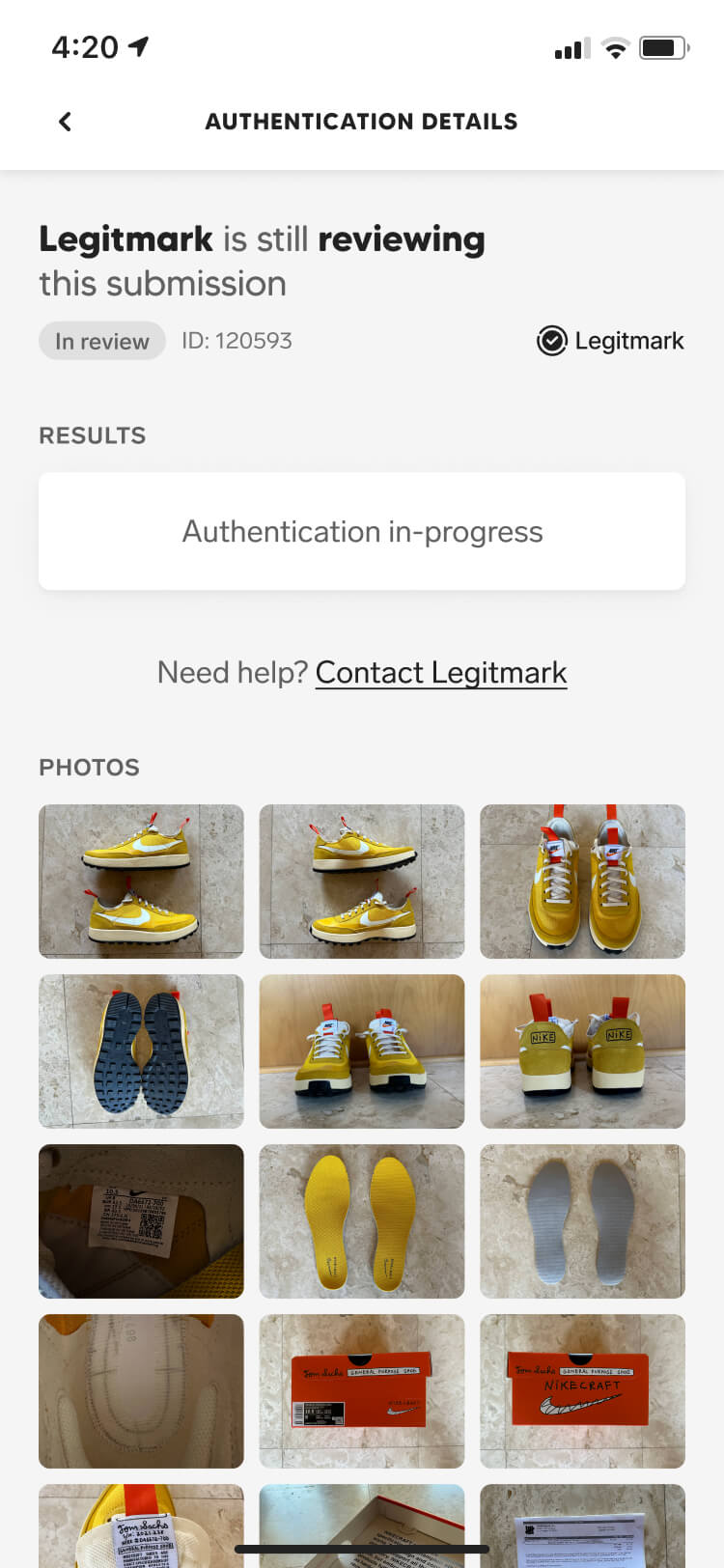
Once a sneaker is submitted for authentication, it enters the review state. While authentication is in progress, users can't edit, delete, or use it in another transaction.

This allowed us to lock a sneaker into a single transaction when a buyer requested authentication as a condition of the deal, preventing it from changing or being committed elsewhere while its authenticity was being verified.

Screenshot from the Collect authentication feature of the user profile screen with a sneaker authentication in review
Screenshot from the Collect authentication feature of the sneaker listing screen with an in-review authentication state
Screenshot from the Collect authentication feature of the sneaker listing screen with an in-review authentication state scrolled down
Screenshot from the Collect authentication feature of the authentication detail screen with an in-review state

Resubmission flow

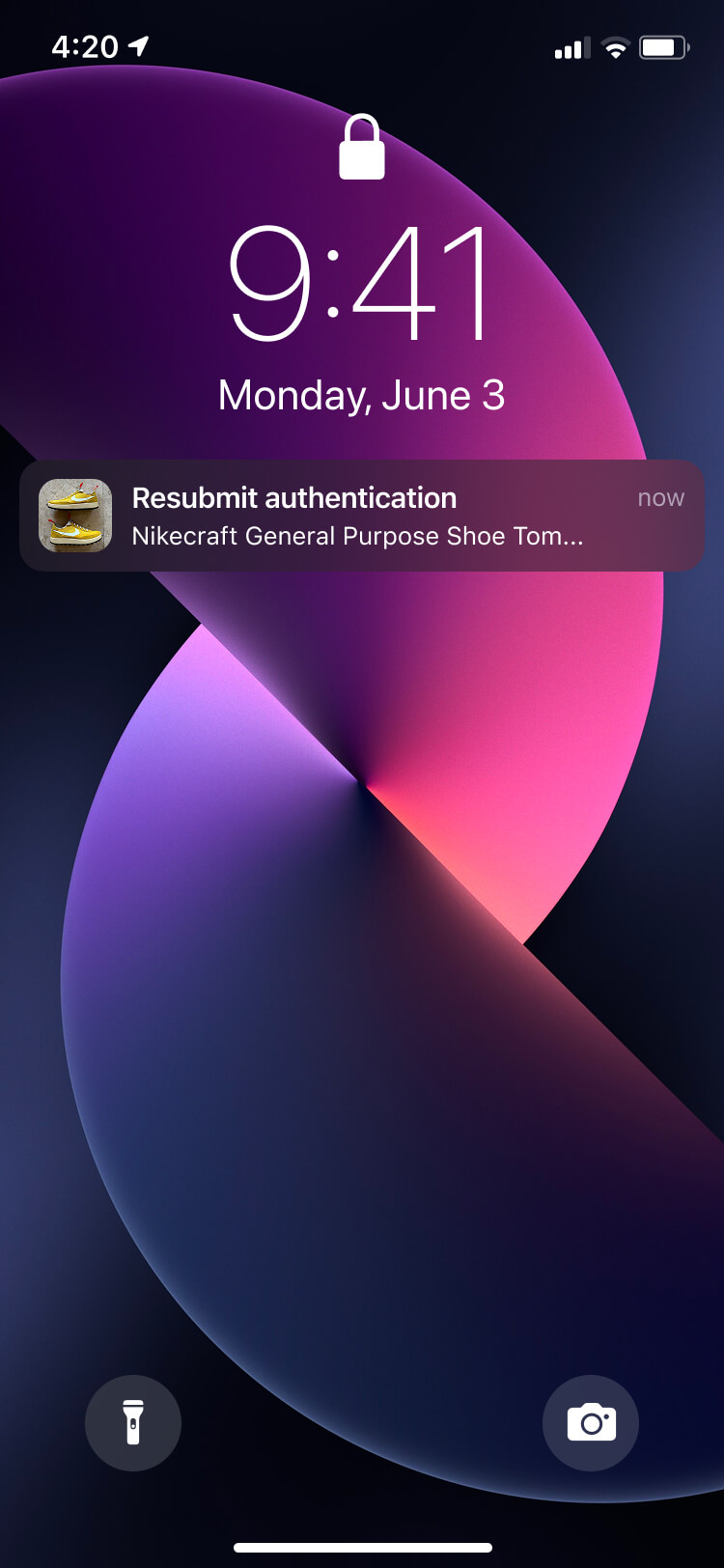
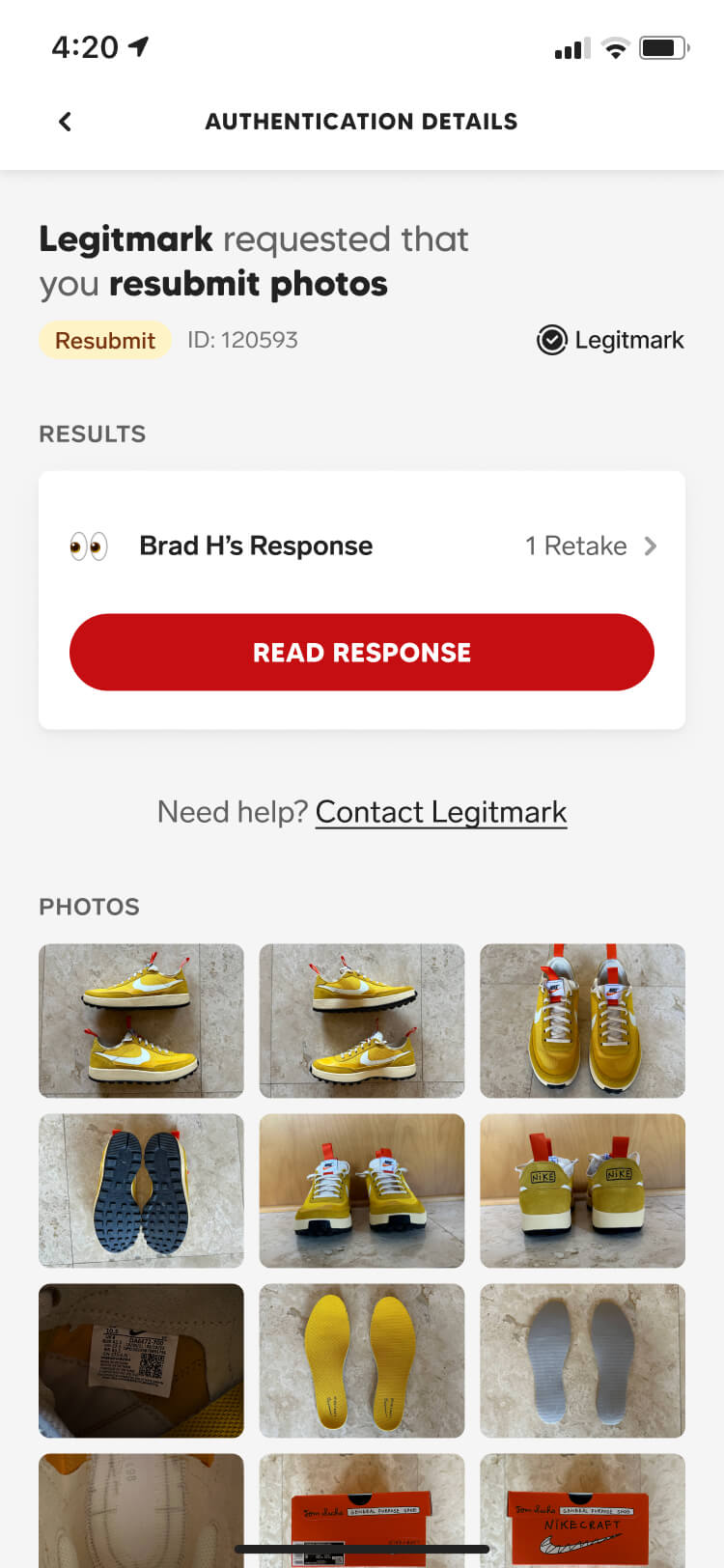
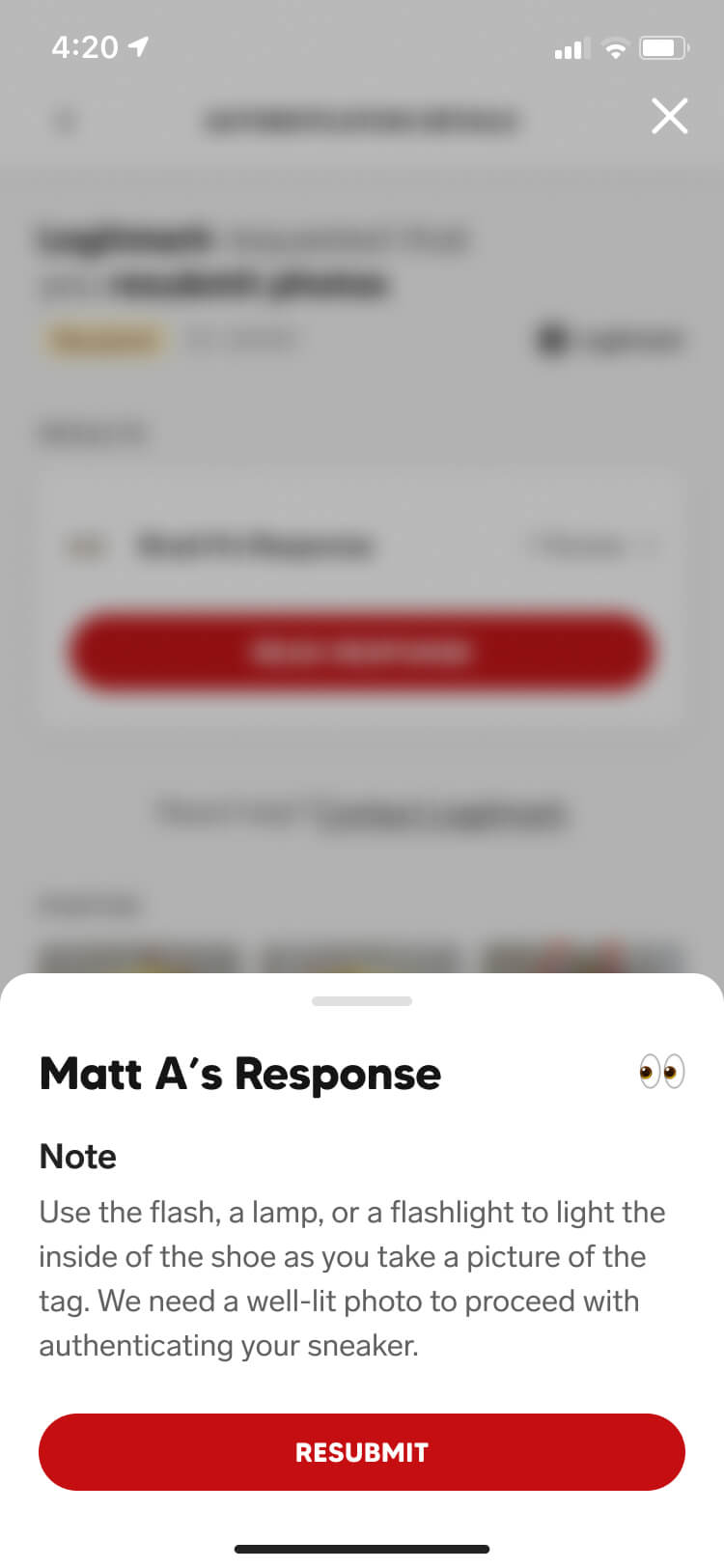
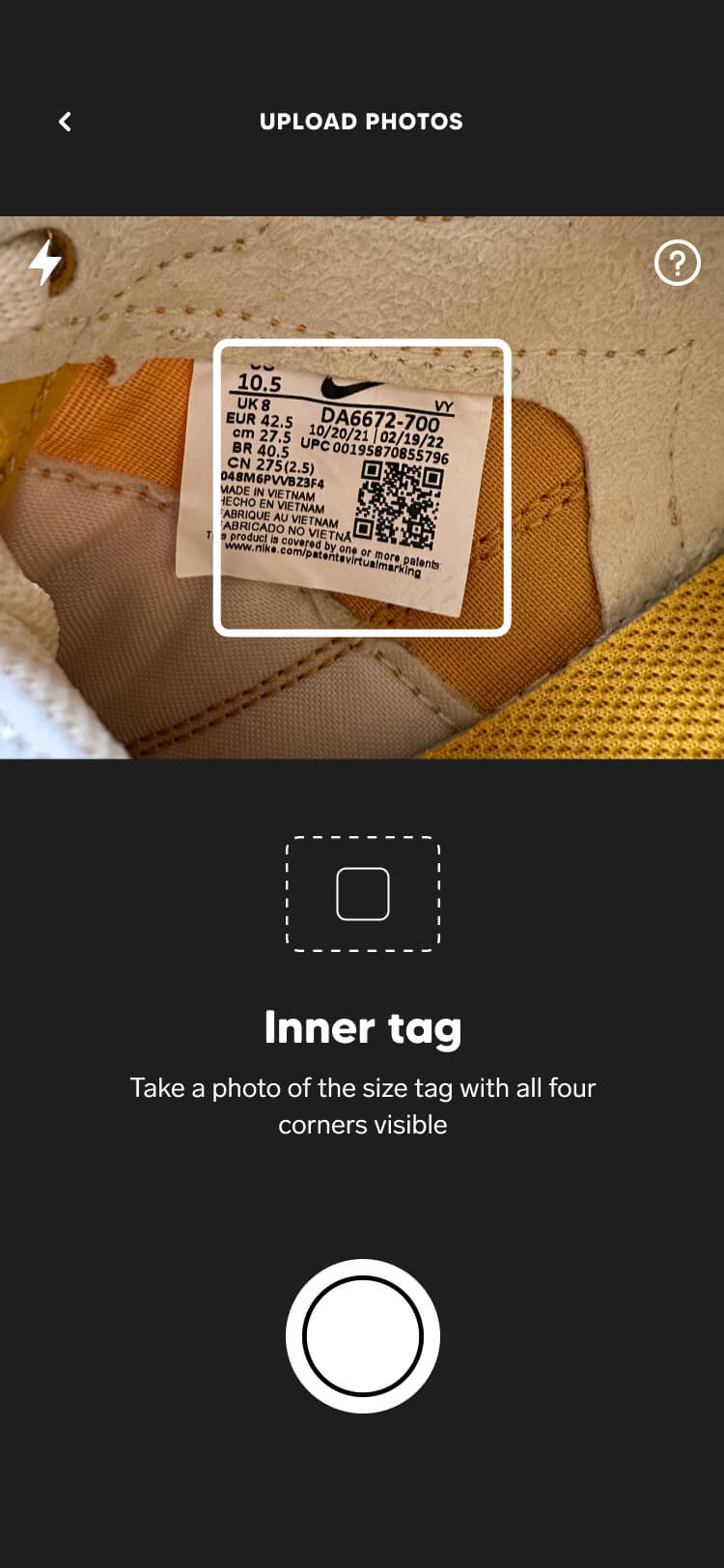
When Legitmark flagged photos that had been submitted incorrectly, they triggered a resubmission flow that notified users and guided them through retaking the photos.

The challenge was explaining what went wrong and how to fix it without making the experience feel punishing. By providing clear instructions on how to correct the issue and guiding users through only the photos that required attention, we were able to move them through the flow as painlessly as possible.

Screenshot from the Collect authentication feature of the resubmit authentication notification
Screenshot from the Collect authentication feature of the authentication detail screen with a resubmit state
Screenshot from the Collect authentication feature of the resubmission note drawer
Screenshot from the Collect authentication feature of the resubmit inner tag capture screen

Authentication result

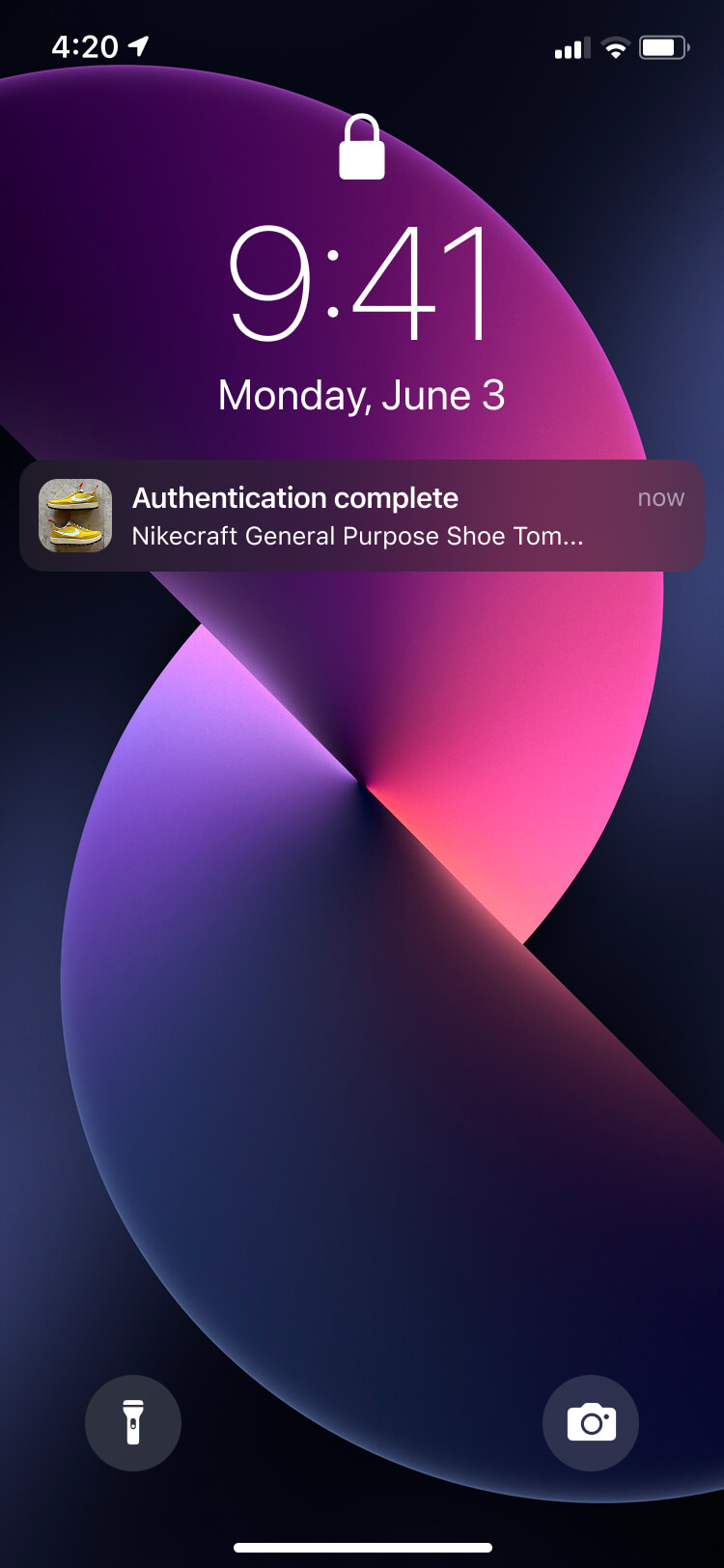
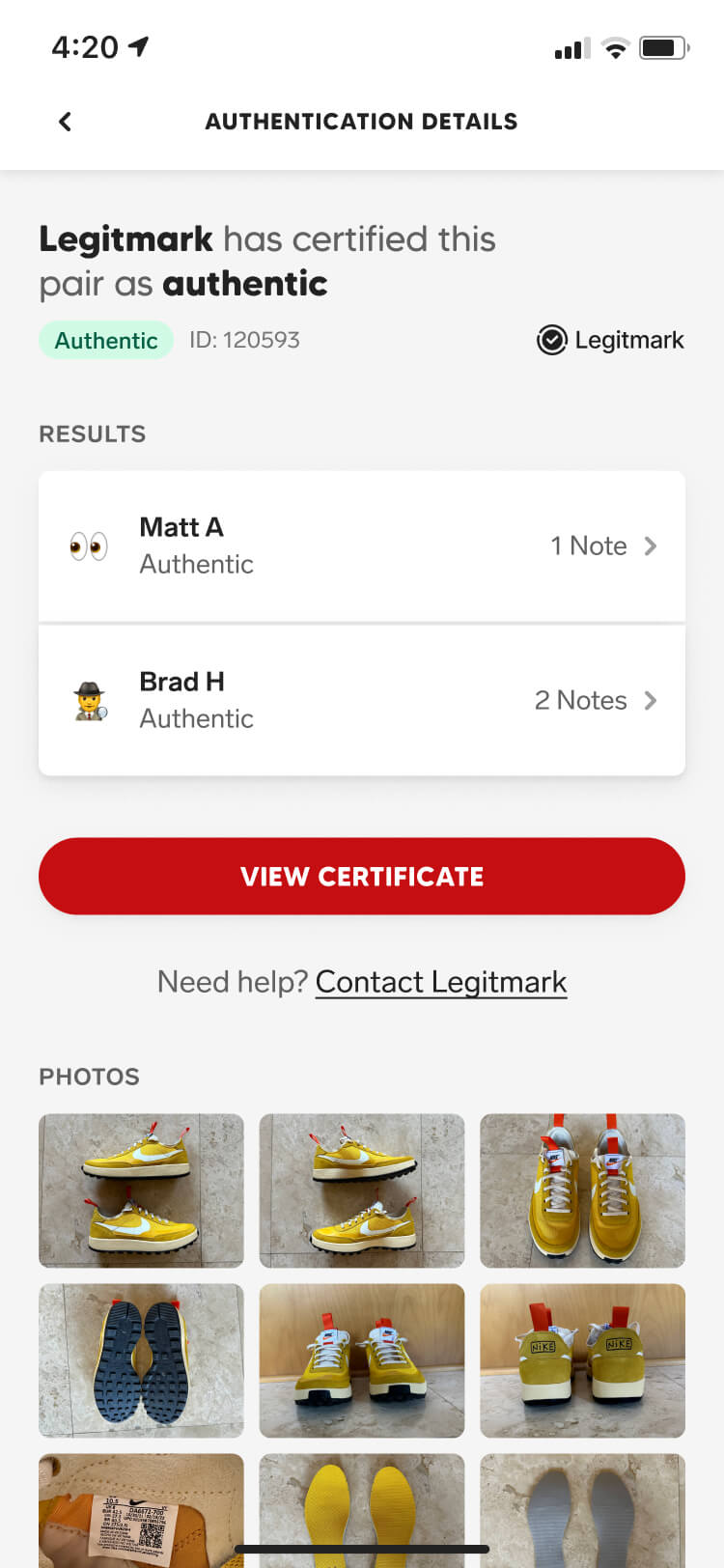
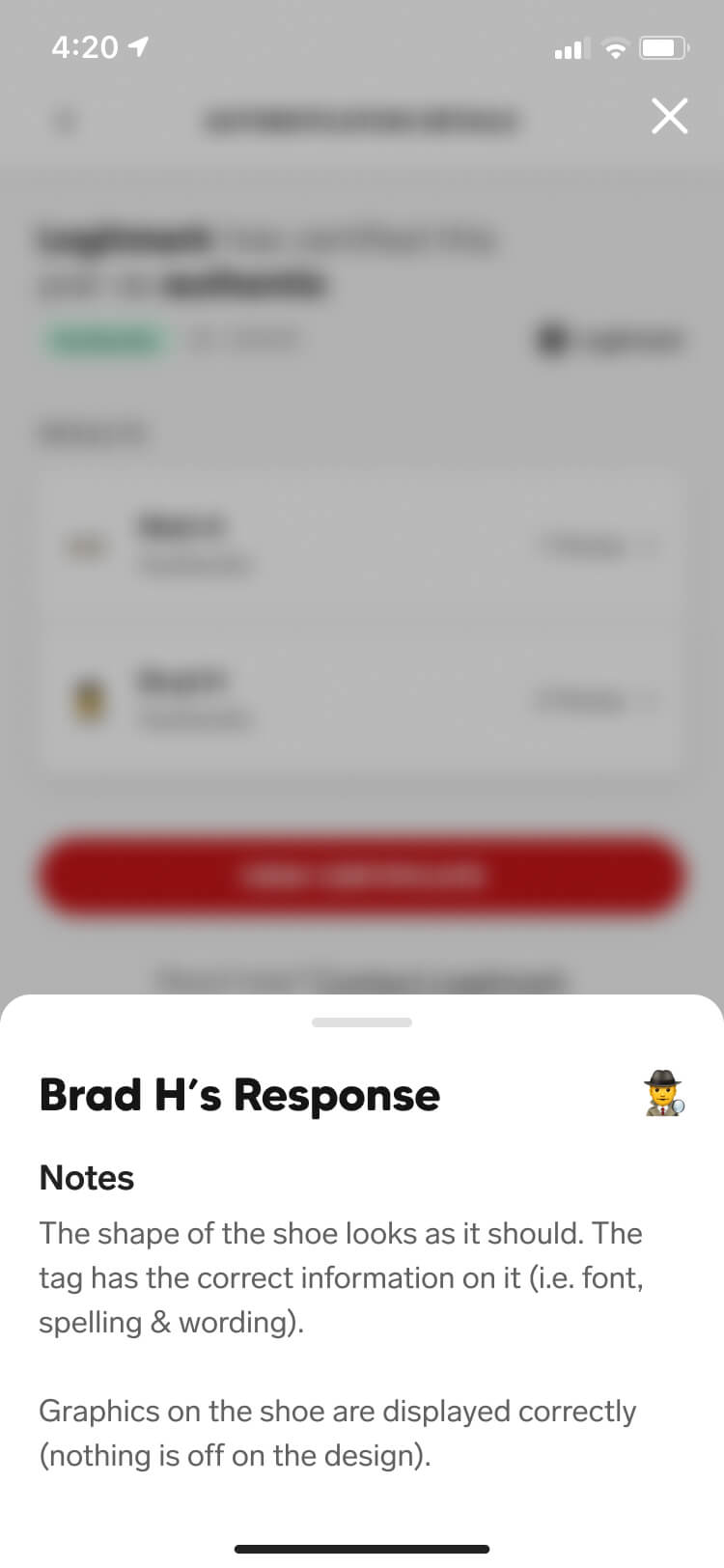
Once authentication was complete, Legitmark triggered a results flow that walked users through each reason their sneakers were determined to be authentic or fake.

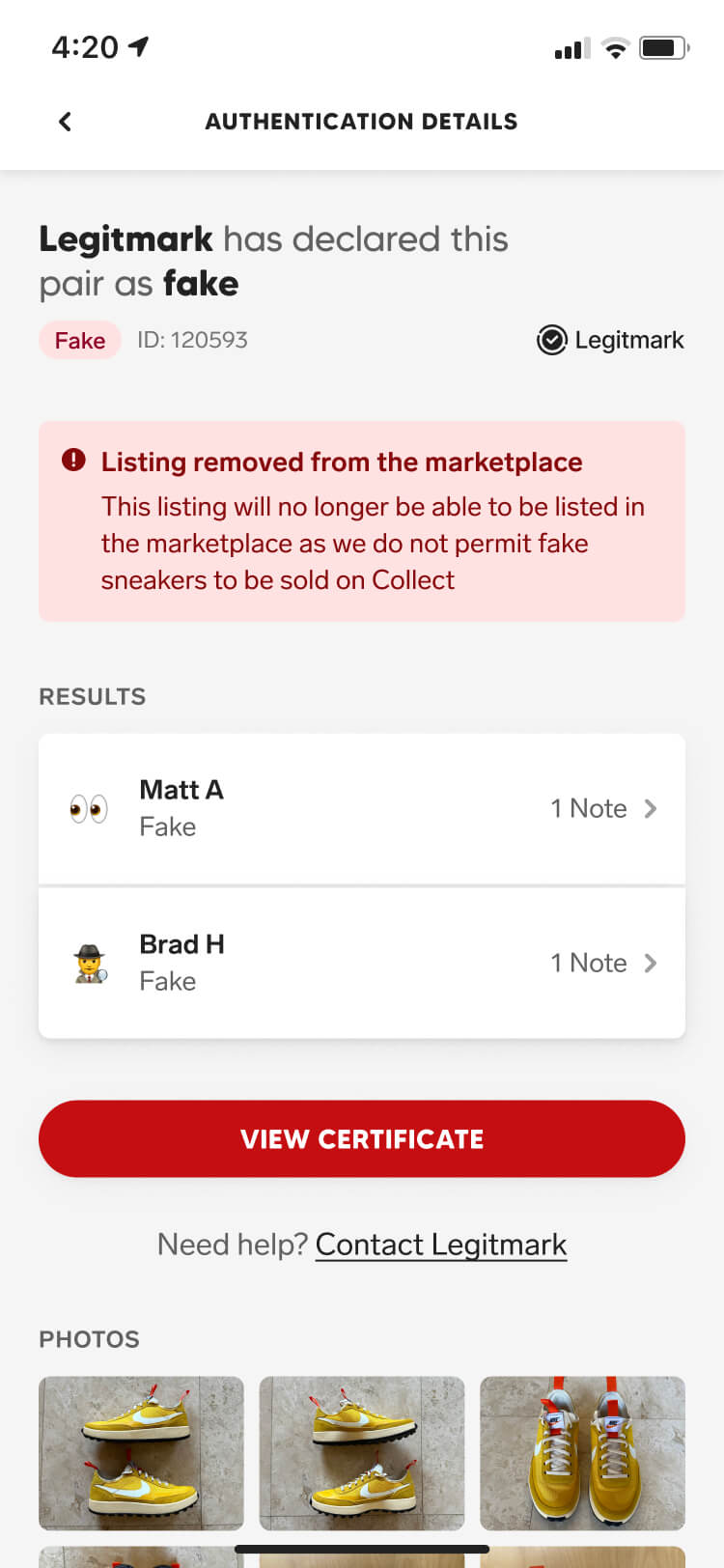
Authentic sneakers received a Legitmark-approved badge, increasing their credibility and desirability in the marketplace. If the sneaker was tied to an active transaction, the buyer was then given their 48-hour exclusive window to complete the purchase. On the other hand, fake sneakers were automatically removed from the marketplace, and any transactions or offers associated with them were cancelled.

Screenshot from the Collect authentication feature of the authentication complete notification
Screenshot from the Collect authentication feature of the authentication detail screen with an authentic state
Screenshot from the Collect authentication feature of the authentication note drawer
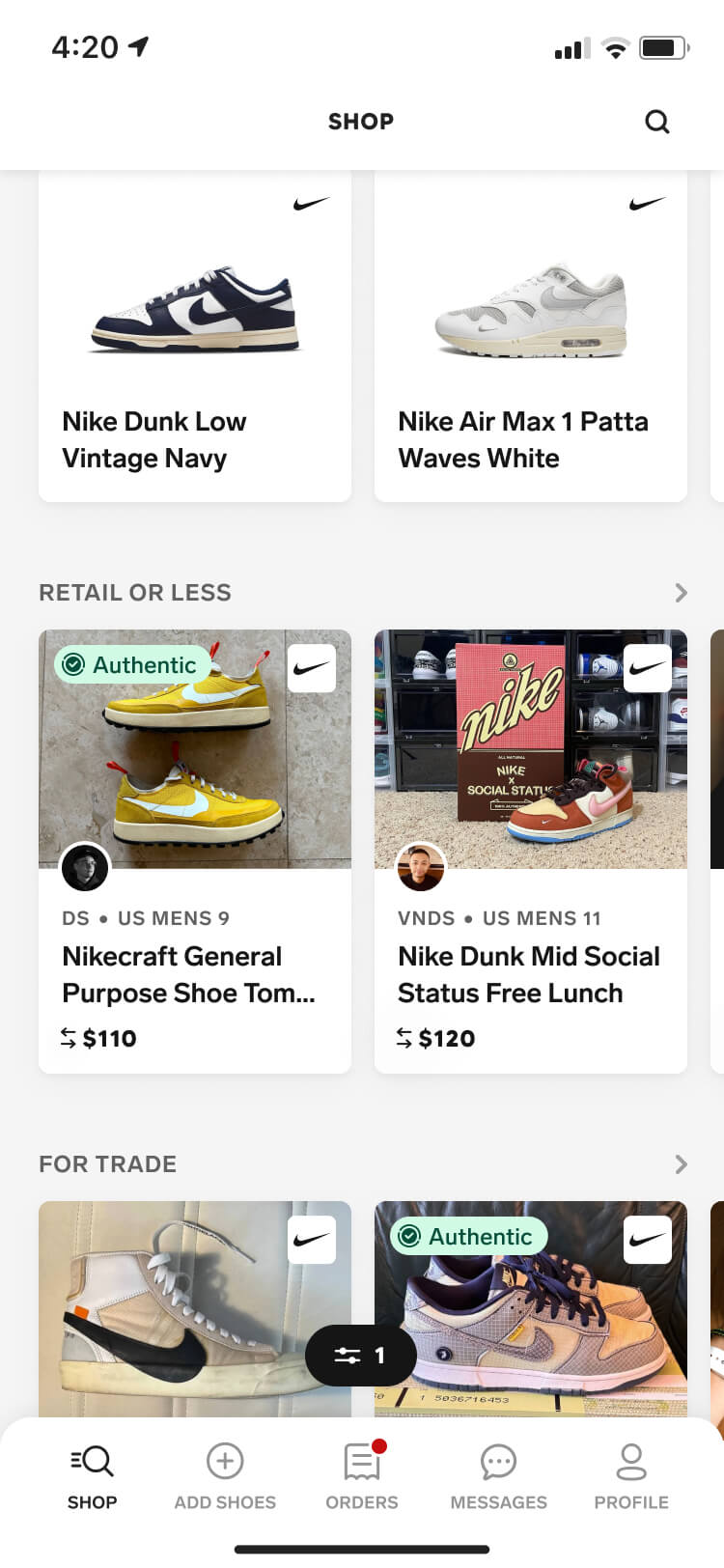
Screenshot from the Collect authentication feature of the authentication badge shown on a shop listing screen
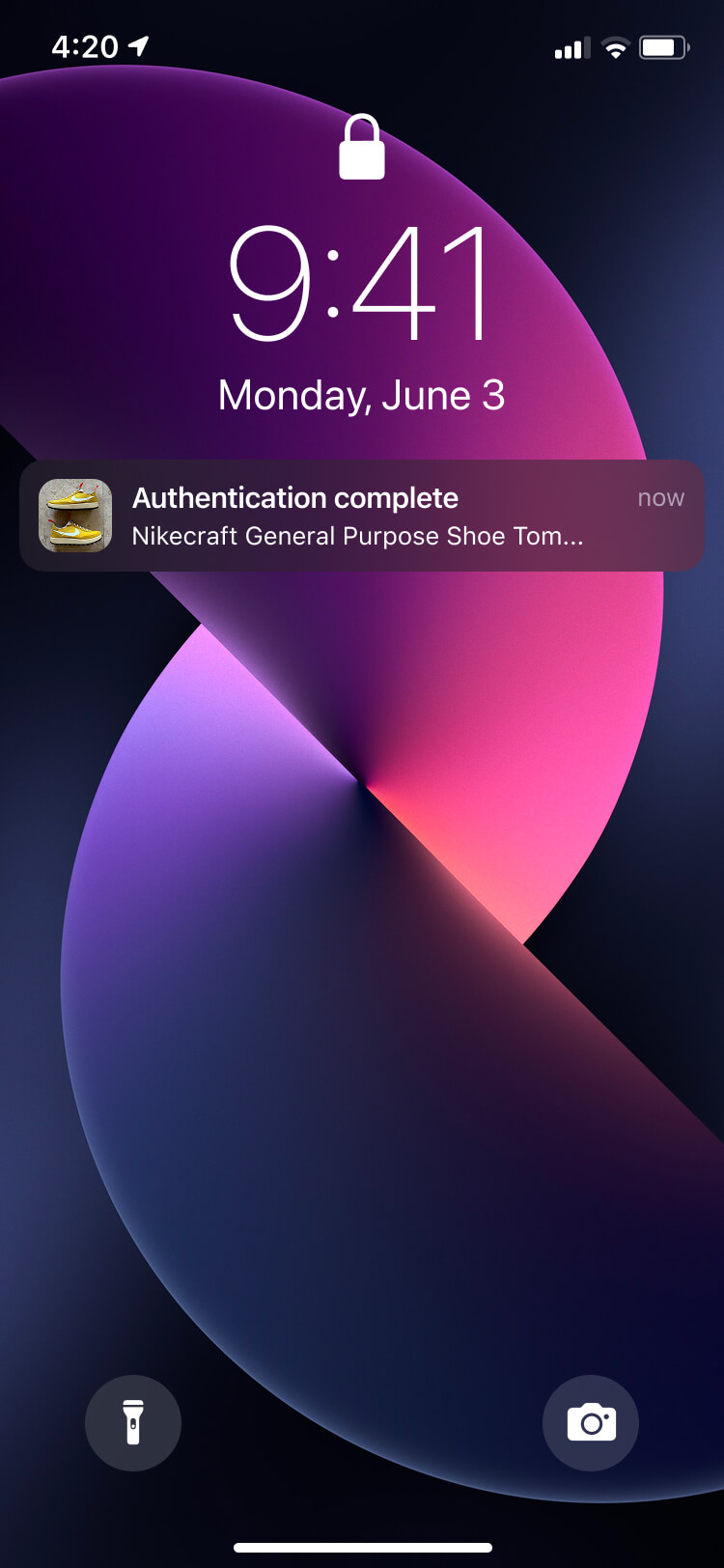
Screenshot from the Collect authentication feature of the authentication complete notification for a fake result
Screenshot from the Collect authentication feature of the authentication detail screen with a fake state
Screenshot from the Collect authentication feature of the sneaker listing screen with a fake authentication state
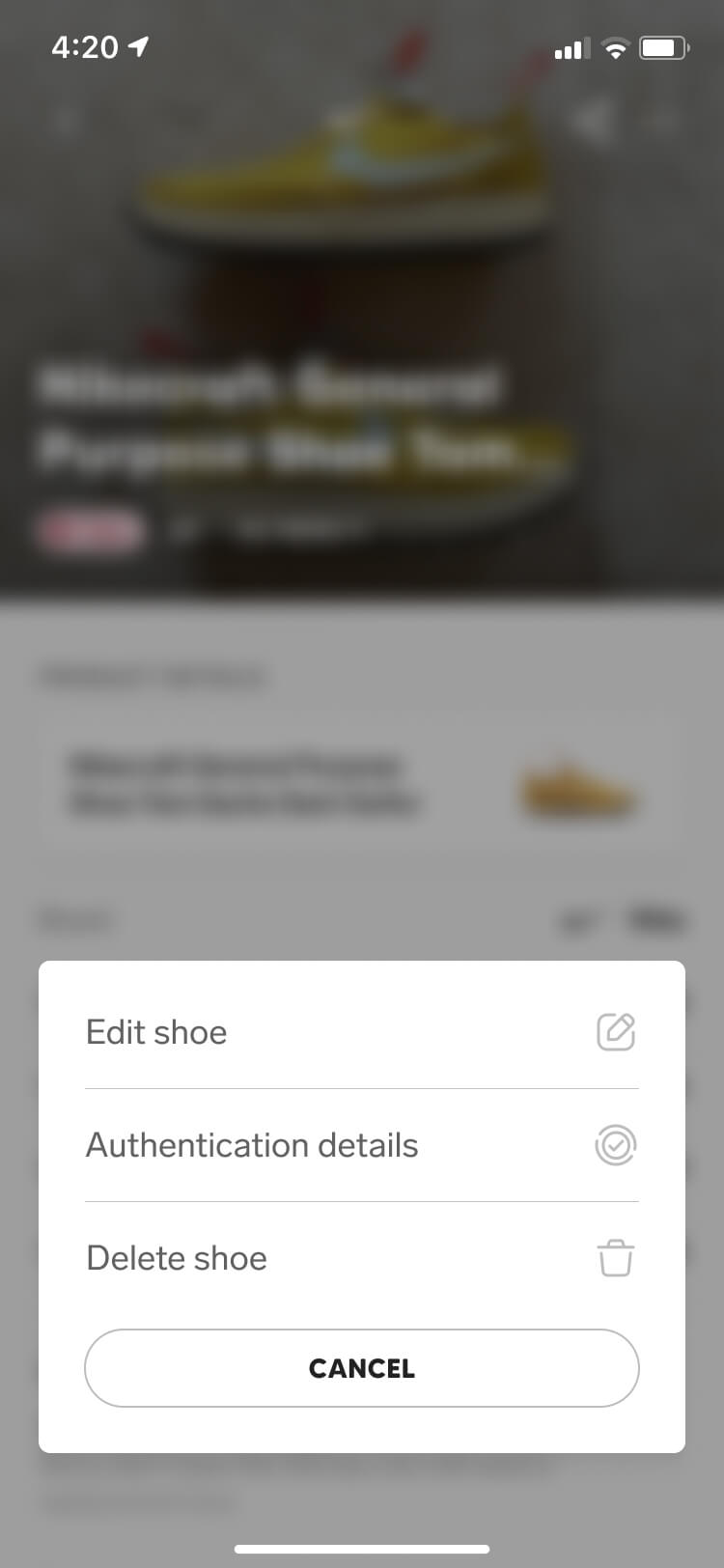
Screenshot from the Collect authentication feature of the edit sneaker listing screen showing users can no longer list fake sneakers in the marketplace

In-app messenger

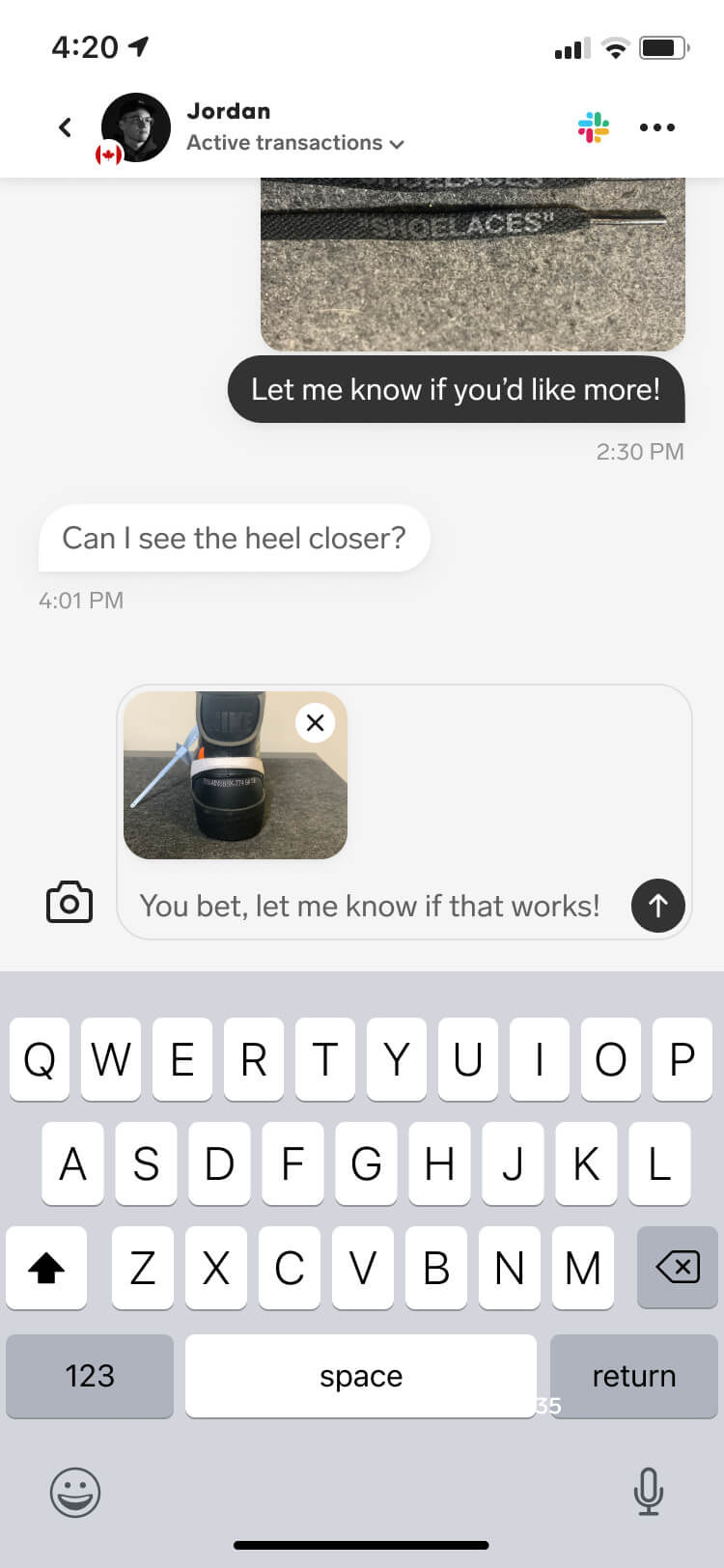
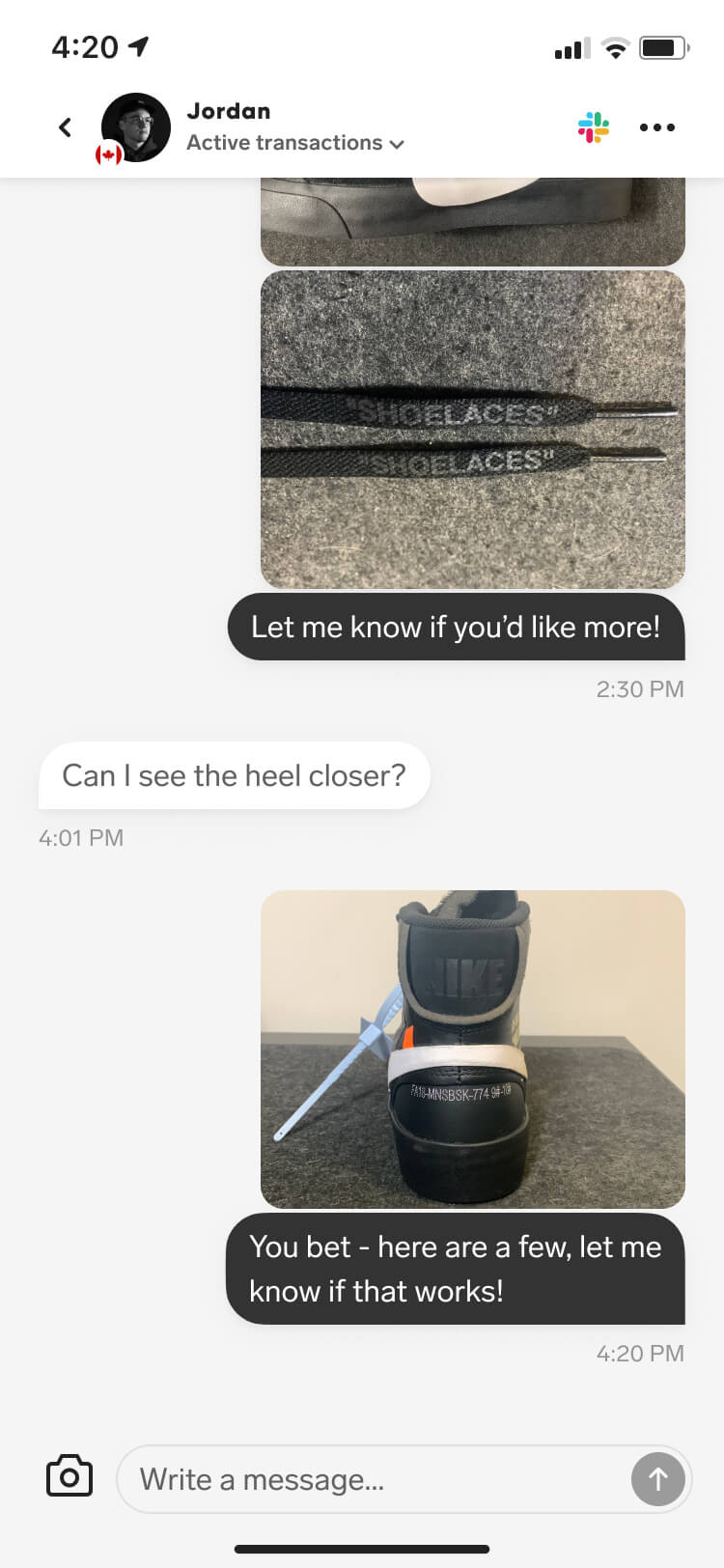
Another feature we launched shortly after authentication was our in-app messenger. With the public launch opening Collect to users outside of the SoleSavy community, we needed a simple way for buyers and sellers to discuss deals directly in the app. For authentication specifically, this gave buyers a way to ask questions, request additional photos, or ask sellers to cover the cost of authentication.

By integrating a third-party messaging API, we were able to launch the feature with minimal design and development effort while still making it feel like a native part of the app.

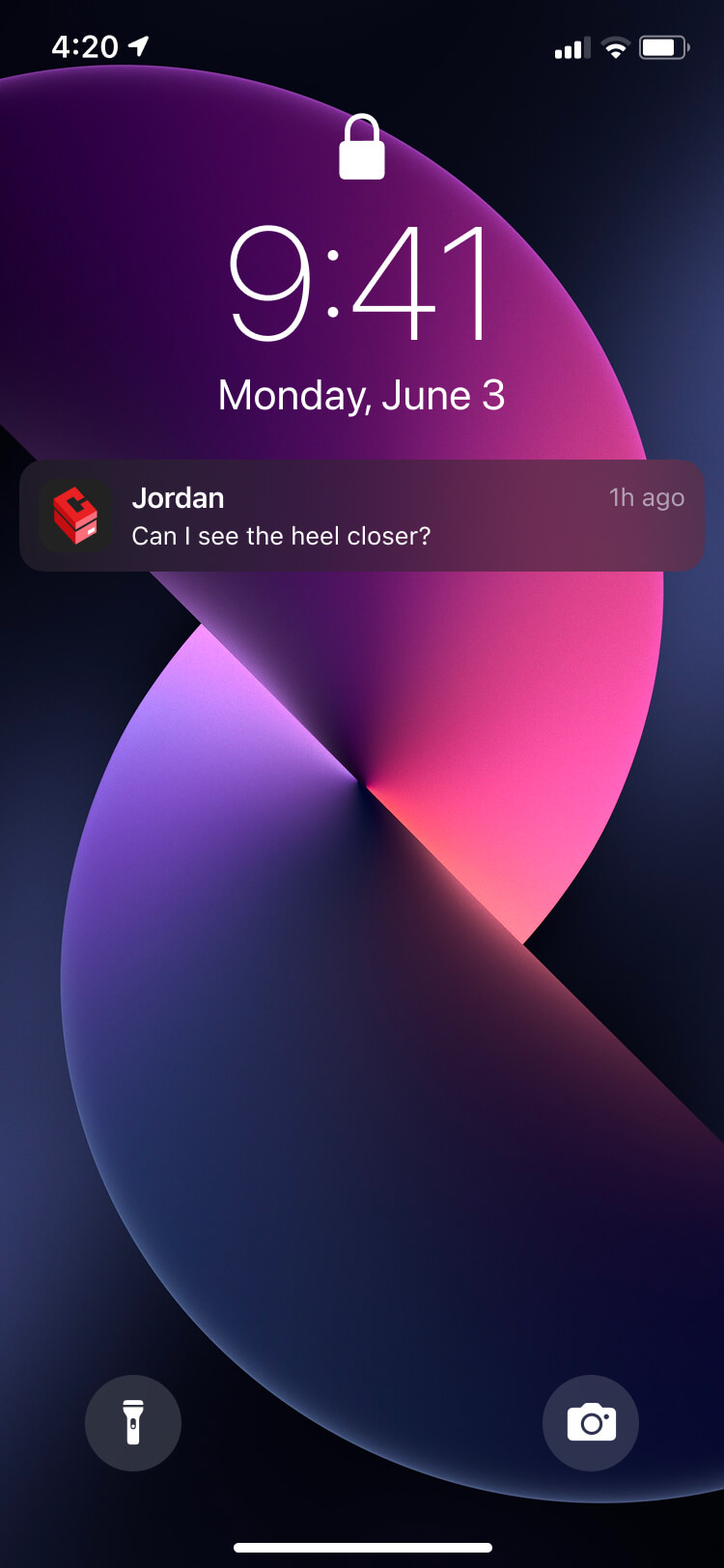
Screenshot from the Collect in-app messenger feature of the new message notification
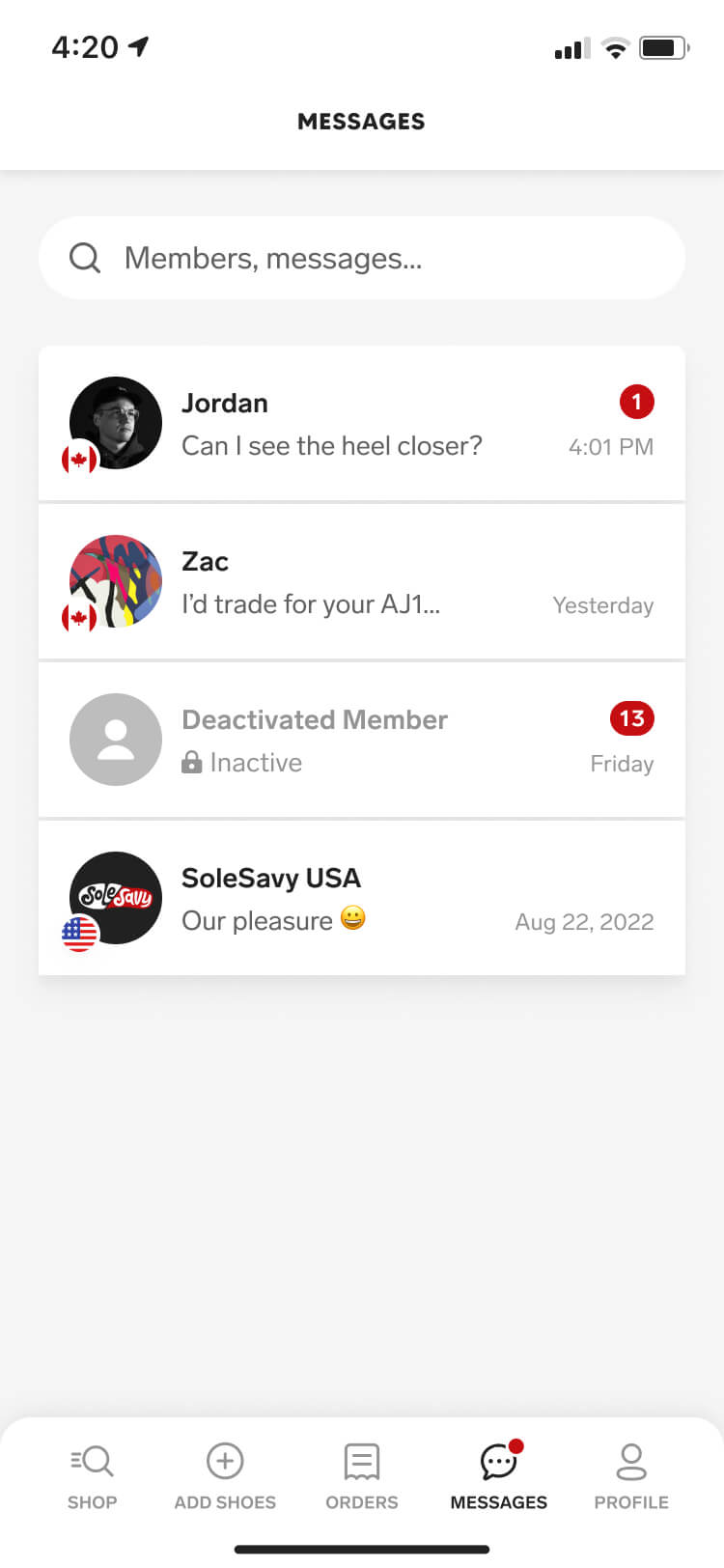
Screenshot from the Collect in-app messenger feature of the messages screen
Screenshot from the Collect in-app messenger feature of a message detail screen with the user writing a message and uploading an image
Screenshot from the Collect in-app messenger feature of a message detail screen showing the message and image now sent
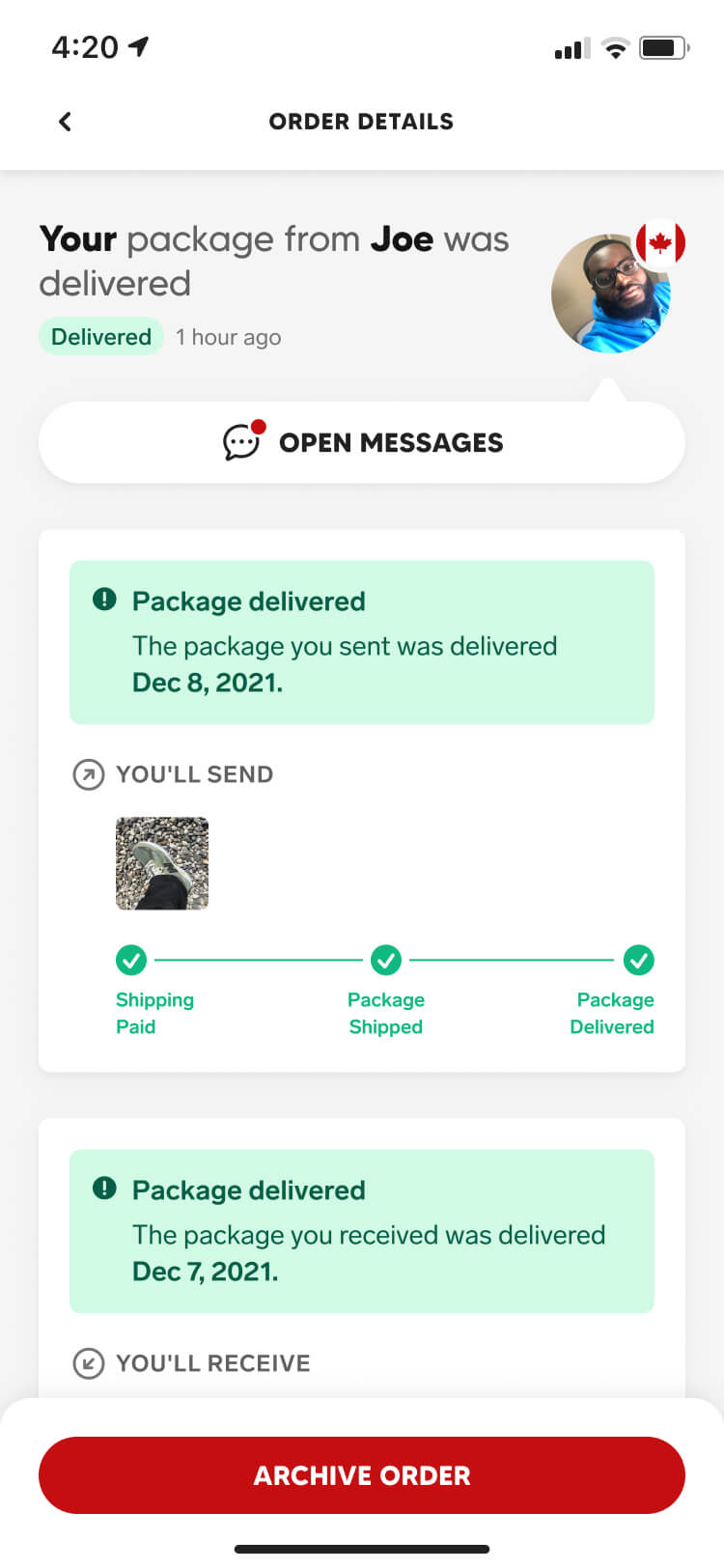
Screenshot from the Collect in-app messenger feature of an order detail screen with a new message notification
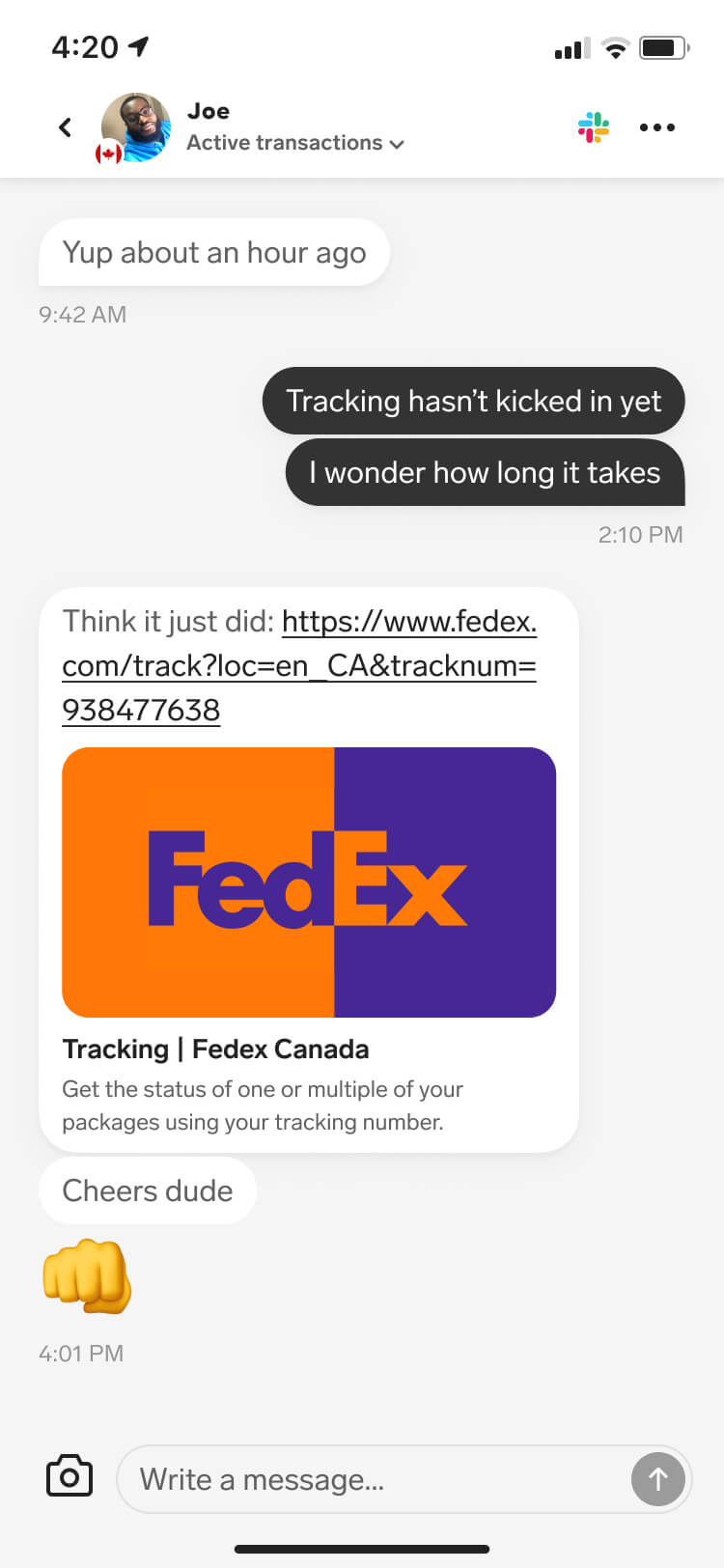
Screenshot from the Collect in-app messenger feature of a message detail screen with an active conversation
Screenshot from the Collect in-app messenger feature of a message detail screen with the user writing a message
Screenshot from the Collect in-app messenger feature of a message detail screen showing the message now sent

Impact

Authentication not only addressed one of the biggest hurdles the marketplace faced, it also unlocked a new revenue stream for the business. By helping Legitmark pilot their API offering, we were able to help shape the integration around our needs.

More confident transactions

Our goal was to reduce buyer uncertainty when committing to a deal, while giving sellers the Legitmark-approved badge as a way to build credibility and stand out from other listings. After launching the feature, we saw our transaction rate increase by over 24%, reinforcing how directly buyer confidence could translate into completed transactions.

A new revenue stream

Each authentication processed through Collect generated referral revenue through our partnership with Legitmark, allowing us to improve trust in the marketplace while also contributing directly to our business targets.
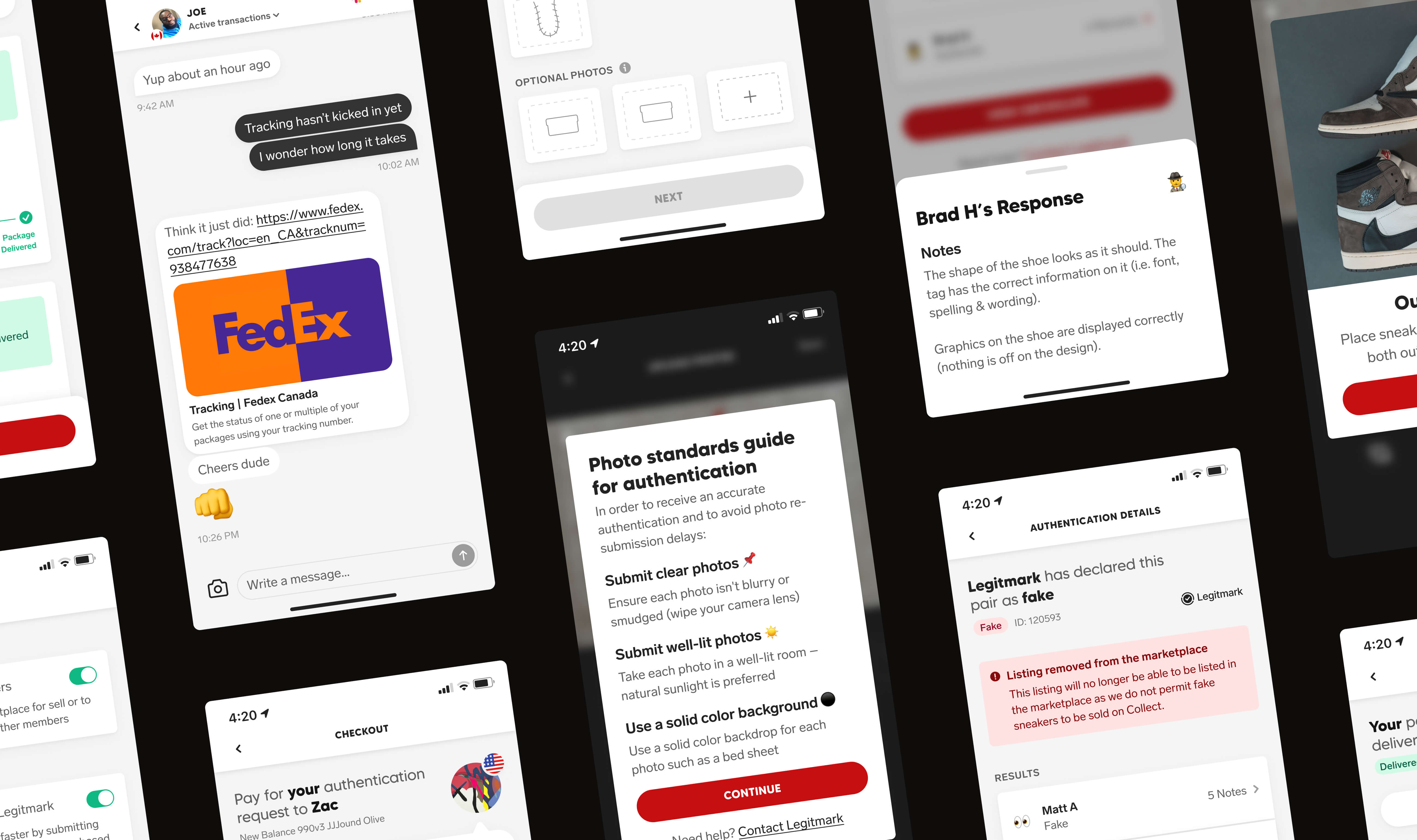
Another screenshot grid of more various screens from the Collect authentication feature
A portrait photo of Jordan and his cat Ava A landscape photo of Jordan and his cat Ava

About me

I'm Jordan, a product designer based out of Vancouver

With over a decade of experience across fintech, e-commerce, and consumer apps, I've developed a passion for simplifying complexity.

My work is rooted in data-informed decisions that not only accomplish user goals, but drive measurable business growth.

Experience

North One

Senior Product Designer

2023-2025

SoleSavy

Senior Product Designer

2021-2023

Lift Interactive

Senior Designer

2015-2021

Education

Macewan University

Digital Design Studies

2012-2015